> ## Documentation Index
> Fetch the complete documentation index at: https://docs.tai42.ai/llms.txt
> Use this file to discover all available pages before exploring further.
# Use interactions
> Ask a human mid-run with ask_user, and drive external approvals with ask_external.
Pause a run to ask a person a question and block until they answer.
An interaction suspends the caller mid-run, records the question, and wakes the
caller with the answer. The `ask_user` tool is the core capability; `ask_external`
extends it to human actions that happen on an outside surface. This guide enables
the feature, asks in each answer format, answers from the CLI, and wires an
external callback end to end. For the model behind it, see
[Interactions](/concepts/interactions).
## Enable interactions
Load the `ask_user` tool module and the interactions HTTP router — the SSE inbox
stream plus the human answer door.
```yaml examples/interactions/enable_interactions.yaml theme={null}
# Turn on interactions: load the ask_user tool module (the LLM-facing question
# tool). The interactions HTTP router (the SSE inbox stream + the human answer
# door) is part of the default router set, so it is already mounted.
tools:
- title: interactions
module: tai42_skeleton.tools.builtin.interactions
```
An agent or tool that has `ask_user` in scope can now pause and ask.
## Ask a question
`ask_user(question, answer_format=...)` is called from inside a tool or agent run.
It records the question, blocks the caller, and returns the typed answer once a
person responds (or raises on timeout). One question declares one **answer
format**:
| `answer_format` | The human provides | Answer type | Extra fields |
| --------------- | ------------------------------- | ---------------- | -------------------- |
| `text` | free text | `str` | — |
| `confirm` | a yes/no acknowledgement | `bool` | — |
| `select` | one of a fixed list | `str` | `options` (required) |
| `form` | a typed object | `dict` | `schema` (required) |
| `external` | an action on an outside surface | callback payload | `link` (required) |
The first four are answered on the authenticated **in-client** surface. Example
`ask_user` calls (the tool input a caller passes):
```json theme={null}
{"question": "What should the release title be?", "answer_format": "text"}
{"question": "Ship the 2.0 release now?", "answer_format": "confirm"}
{"question": "Pick a target environment", "answer_format": "select", "options": ["staging", "production"]}
{"question": "Enter the customer contact", "answer_format": "form", "schema": {"type": "object", "properties": {"name": {"type": "string"}, "email": {"type": "string"}}, "required": ["name"]}}
```
An optional `group_id` threads related questions, and `timeout` (seconds)
overrides the configured default before the call raises.
## Show images and links with a question
Any question can carry **media** — images and links shown above the answer
controls in the inbox — by passing `media=[...]` to `ask_user`. Media is
display-only: the person still answers through the `answer_format`. The canonical
use is a `select` that shows each choice:
```python theme={null}
answer = await ask_user(
"Which bag do you want?",
answer_format="select",
options=["compact-tote", "weekender"],
media=[
{"kind": "image", "url": "data:image/png;base64,iVBORw0KGgo…", "caption": "The compact tote in sand canvas"},
{"kind": "link", "url": "https://shop.example.com/products/compact-tote", "caption": "View the compact tote in the shop"},
],
)
```
Each item is a `{kind, url, caption?}` object — an `image` (an absolute `https`
URL or a `data:image/*` URI) or a `link` (an absolute `http(s)` URL) — validated
against the contract before the question is stored:
```yaml examples/interactions/ask_with_media.yaml theme={null}
# Display-only media attached to a question: the images and links a person sees
# above the answer controls in the inbox. Each item is a MediaItem — a kind, a
# url, and an optional caption — and is validated against the contract before the
# question is stored. An image url is an absolute https URL or a data:image/* URI
# (remote images are https-only); a link url is an absolute http(s) URL. This
# example is hermetic: the image travels inline as a data:image/png URI, so
# nothing is fetched from a remote host.
media:
- kind: image
url: "data:image/png;base64,iVBORw0KGgoAAAANSUhEUgAAAAEAAAABCAQAAAC1HAwCAAAAC0lEQVR42mNk+P+/HgAFhAJ/wlseKgAAAABJRU5ErkJggg=="
caption: "The compact tote in sand canvas"
- kind: link
url: "https://shop.example.com/products/compact-tote"
caption: "View the compact tote in the shop"
```
An agent asks with the builtin `ask_user` tool using the same shape; `media` is an
array of the same objects:
```json theme={null}
{
"question": "Which bag do you want?",
"answer_format": "select",
"options": ["compact-tote", "weekender"],
"media": [
{"kind": "image", "url": "data:image/png;base64,iVBORw0KGgo…", "caption": "The compact tote in sand canvas"},
{"kind": "link", "url": "https://shop.example.com/products/compact-tote", "caption": "View the compact tote in the shop"}
]
}
```
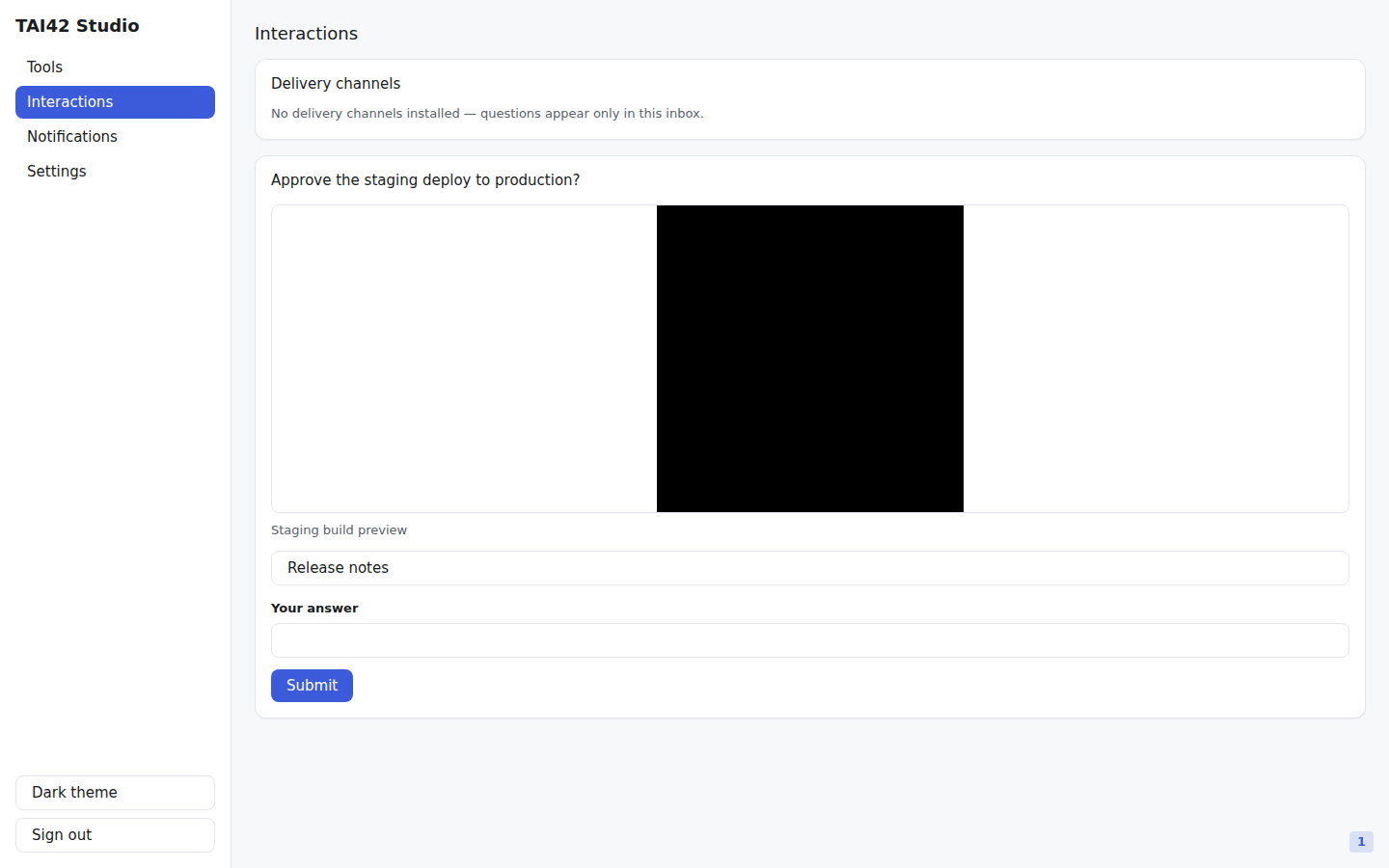
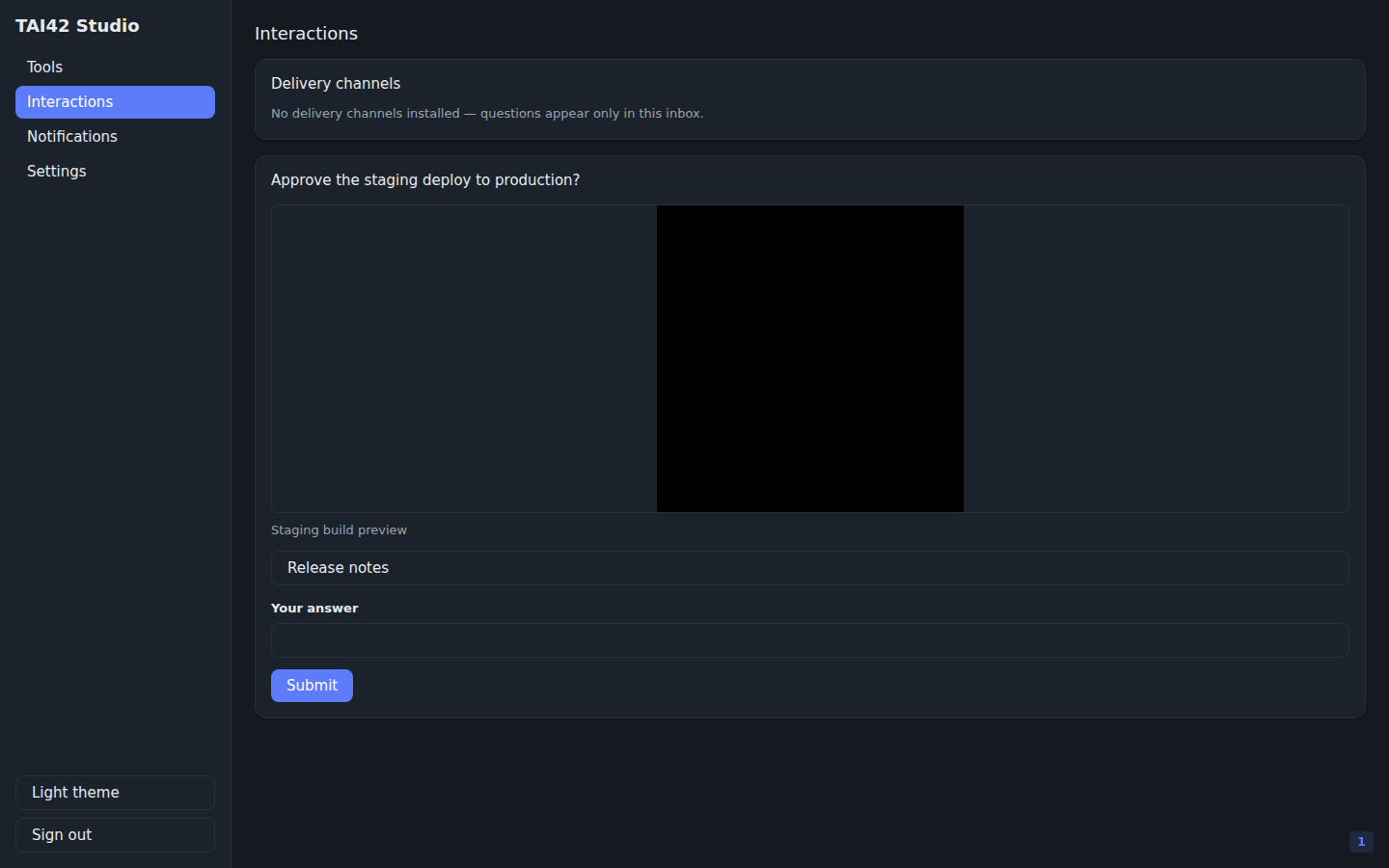 Media renders in the Studio inbox only — it is **not forwarded to a channel**
delivery, which carries the question text. See
[Media on a question](/concepts/interactions#media-on-a-question) for the accepted
url forms, the caps, and the privacy note.
## Answer from the CLI
A pending question surfaces on the authenticated SSE stream — the Studio inbox, or
the CLI. List the current backlog, tail it live, or answer one:
```bash theme={null}
tai interactions list # print the pending backlog, then exit
tai interactions stream # tail the inbox live
```
The answer value is **JSON**, matching the question's format — a string for `text`
and `select`, a bool for `confirm`, an object for `form`:
```bash examples/interactions/interactions_answer_help.sh theme={null}
# Answer a pending in-client question. The value is JSON: a string for text and
# select, a bool for confirm, an object for form.
tai interactions answer --help
```
```bash theme={null}
tai interactions answer i_123 --answer '"Point release 2.0.1"' # text
tai interactions answer i_123 --answer 'true' # confirm
tai interactions answer i_123 --answer '"production"' # select
tai interactions answer i_123 --answer '{"name":"Ada","email":"ada@example.com"}' # form
```
The value is validated server-side against the question's declared format and
schema; a mismatch is rejected and the caller stays blocked.
## External questions and the callback flow
The `external` format is for actions a person completes on an outside surface —
signing a document, approving a request, paying. The asking tool blocks exactly as
for any other format; only the delivery channel differs. The external system
delivers the answer back through a **public callback door**, not the answer door.
The `ask_external` transformer extension packages the whole flow. It wraps a tool
that builds an external resource from a `callback_url` and returns the URL to
visit. Attach it in the manifest, binding an optional webhook verifier that
authenticates the signed callback:
```yaml examples/interactions/attach_ask_external.yaml theme={null}
# ask_external is a transformer extension. Load its module, then attach it to a
# tool that builds an external resource from a callback_url. The verifier is
# author-bound extension config that authenticates the signed callback — it is
# never an LLM-facing tool parameter, so a calling agent cannot drop or forge it.
extensions_modules:
- tai42_skeleton.extensions.builtin.ask_external
webhook_verifier_modules:
- tai42_webhook_verifier_github
tools:
- title: signing
module: myapp.signing
include: [make_signing_envelope]
extensions:
make_signing_envelope:
- - name: ask_external
config:
verifier:
name: github
```
The `verifier` is **author-bound extension config** — it is closed over at build
time and is never an LLM-facing parameter, so a calling agent can neither drop nor
forge the callback authentication. The wrapped tool keeps its own inputs; the
extension injects `question` / `answer_schema` / `timeout` and hides
`callback_url` (the platform supplies it).
At run time, calling the composed tool:
1. builds the external resource, substituting the minted `{callback_url}` into the
`link` (or handing it to a callable link that returns the final URL);
2. blocks the caller while the person acts on that surface;
3. accepts the answer when the external system POSTs the signed payload to
`POST /api/interactions/callback/{ticket}` (verified first when a verifier is
bound), or when a person completes the GET confirm page;
4. validates the payload against the question's `schema` when one is declared, and
returns it to the blocked caller.
External questions (and any `channel`-delivered question) require
`INTERACTIONS_PUBLIC_BASE_URL` — an `https://` origin, since the callback URL is a
bearer capability — and Redis. Callback payloads arrive through an
unauthenticated door, so treat every delivered answer as untrusted input.
## Deliver to a channel instead
Passing `channel=""` to `ask_user` hands delivery to a registered
[channel plugin](/guides/authors/channel) — Telegram, Slack, SMS/WhatsApp — instead
of the default inbox: the question mints a public callback ticket exactly like an
`external` ask, the plugin pushes it to the person, and the reply returns through
the same callback door. An optional `recipient` names the per-call address; an
unknown channel name or a delivery failure raises loudly before the run would wait
on an answer that can never arrive.
## See also
* [Interactions](/concepts/interactions) — the loop, the doors, and the security model.
* [Triggers and webhooks](/concepts/triggers-and-webhooks) — the verifier that authenticates a signed callback.
* [Author a channel](/guides/authors/channel) — deliver questions to an external medium.
* [CLI reference](/reference/cli) — the full `tai interactions` surface.
Media renders in the Studio inbox only — it is **not forwarded to a channel**
delivery, which carries the question text. See
[Media on a question](/concepts/interactions#media-on-a-question) for the accepted
url forms, the caps, and the privacy note.
## Answer from the CLI
A pending question surfaces on the authenticated SSE stream — the Studio inbox, or
the CLI. List the current backlog, tail it live, or answer one:
```bash theme={null}
tai interactions list # print the pending backlog, then exit
tai interactions stream # tail the inbox live
```
The answer value is **JSON**, matching the question's format — a string for `text`
and `select`, a bool for `confirm`, an object for `form`:
```bash examples/interactions/interactions_answer_help.sh theme={null}
# Answer a pending in-client question. The value is JSON: a string for text and
# select, a bool for confirm, an object for form.
tai interactions answer --help
```
```bash theme={null}
tai interactions answer i_123 --answer '"Point release 2.0.1"' # text
tai interactions answer i_123 --answer 'true' # confirm
tai interactions answer i_123 --answer '"production"' # select
tai interactions answer i_123 --answer '{"name":"Ada","email":"ada@example.com"}' # form
```
The value is validated server-side against the question's declared format and
schema; a mismatch is rejected and the caller stays blocked.
## External questions and the callback flow
The `external` format is for actions a person completes on an outside surface —
signing a document, approving a request, paying. The asking tool blocks exactly as
for any other format; only the delivery channel differs. The external system
delivers the answer back through a **public callback door**, not the answer door.
The `ask_external` transformer extension packages the whole flow. It wraps a tool
that builds an external resource from a `callback_url` and returns the URL to
visit. Attach it in the manifest, binding an optional webhook verifier that
authenticates the signed callback:
```yaml examples/interactions/attach_ask_external.yaml theme={null}
# ask_external is a transformer extension. Load its module, then attach it to a
# tool that builds an external resource from a callback_url. The verifier is
# author-bound extension config that authenticates the signed callback — it is
# never an LLM-facing tool parameter, so a calling agent cannot drop or forge it.
extensions_modules:
- tai42_skeleton.extensions.builtin.ask_external
webhook_verifier_modules:
- tai42_webhook_verifier_github
tools:
- title: signing
module: myapp.signing
include: [make_signing_envelope]
extensions:
make_signing_envelope:
- - name: ask_external
config:
verifier:
name: github
```
The `verifier` is **author-bound extension config** — it is closed over at build
time and is never an LLM-facing parameter, so a calling agent can neither drop nor
forge the callback authentication. The wrapped tool keeps its own inputs; the
extension injects `question` / `answer_schema` / `timeout` and hides
`callback_url` (the platform supplies it).
At run time, calling the composed tool:
1. builds the external resource, substituting the minted `{callback_url}` into the
`link` (or handing it to a callable link that returns the final URL);
2. blocks the caller while the person acts on that surface;
3. accepts the answer when the external system POSTs the signed payload to
`POST /api/interactions/callback/{ticket}` (verified first when a verifier is
bound), or when a person completes the GET confirm page;
4. validates the payload against the question's `schema` when one is declared, and
returns it to the blocked caller.
External questions (and any `channel`-delivered question) require
`INTERACTIONS_PUBLIC_BASE_URL` — an `https://` origin, since the callback URL is a
bearer capability — and Redis. Callback payloads arrive through an
unauthenticated door, so treat every delivered answer as untrusted input.
## Deliver to a channel instead
Passing `channel=""` to `ask_user` hands delivery to a registered
[channel plugin](/guides/authors/channel) — Telegram, Slack, SMS/WhatsApp — instead
of the default inbox: the question mints a public callback ticket exactly like an
`external` ask, the plugin pushes it to the person, and the reply returns through
the same callback door. An optional `recipient` names the per-call address; an
unknown channel name or a delivery failure raises loudly before the run would wait
on an answer that can never arrive.
## See also
* [Interactions](/concepts/interactions) — the loop, the doors, and the security model.
* [Triggers and webhooks](/concepts/triggers-and-webhooks) — the verifier that authenticates a signed callback.
* [Author a channel](/guides/authors/channel) — deliver questions to an external medium.
* [CLI reference](/reference/cli) — the full `tai interactions` surface.