> ## Documentation Index
> Fetch the complete documentation index at: https://docs.tai42.ai/llms.txt
> Use this file to discover all available pages before exploring further.
# Studio
> The desktop workbench for a running server — browse and exercise every surface from the browser.
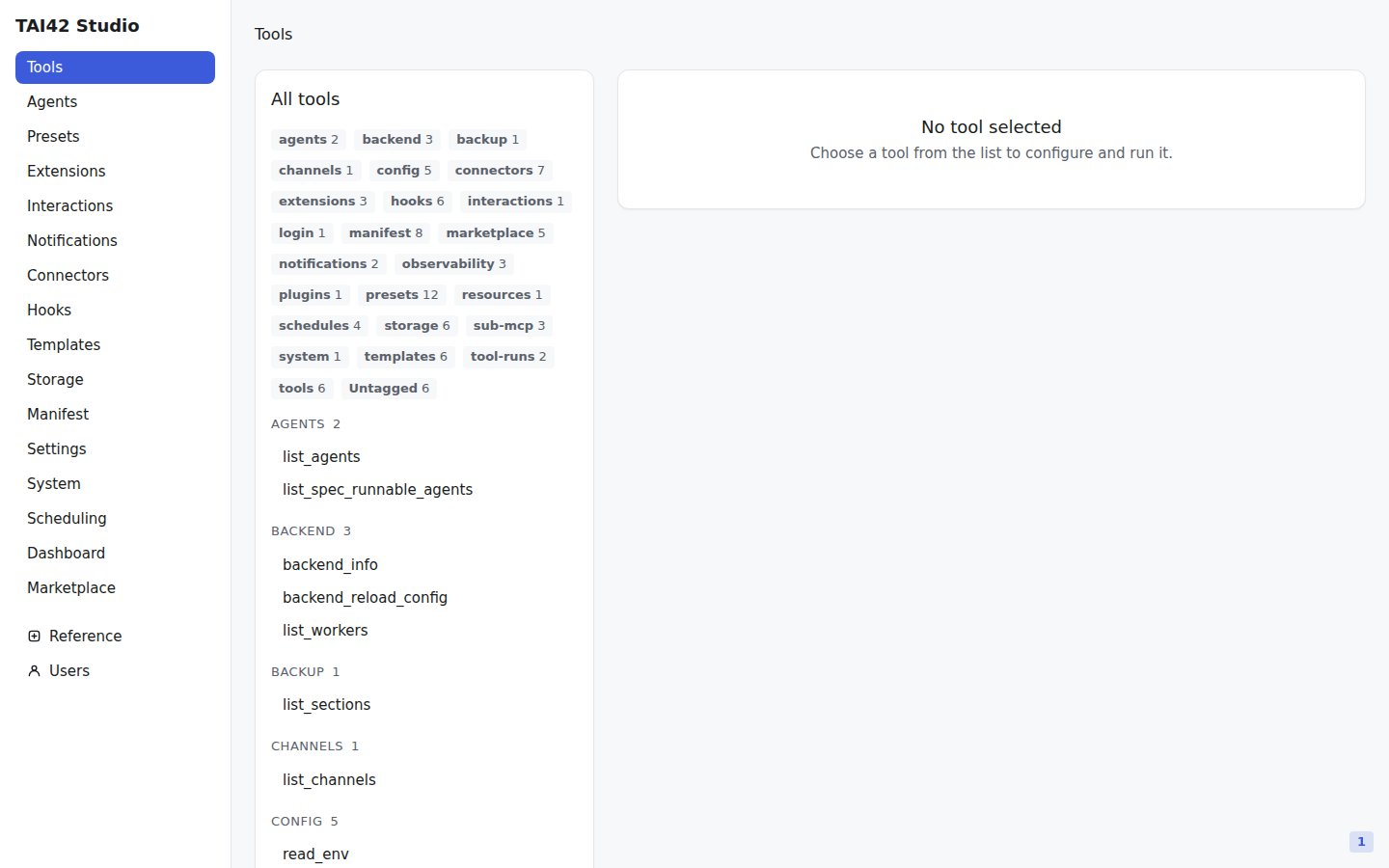
The Studio is the visual workbench for a [server](/concepts/layering). It is a
React web UI that drives a running skeleton over its `/api/*` HTTP surface —
the same surface the [`tai` CLI](/reference/cli/index) calls — so anything you
do in the Studio you can also do from a terminal, and the reverse.
You browse and run [tools](/concepts/tools-and-extensions), apply
[extensions](/concepts/tools-and-extensions), author
[agents](/concepts/agents), render [templates](/concepts/storage-and-resources),
watch [live operations](/concepts/live-operations), install plugins from the
[marketplace](/marketplace/index), and provision API keys — all against one
self-hosted server.
 A tour of every surface in the sidebar.
Synchronous runs versus detached background runs.
Health, metrics, settings, and live reloads.
Sign in and provision keys for a deployment.
Serve the built app from the skeleton.
Extend the shell with pages, panels, tabs, and nav entries.
The plugin contract, hooks, and shared components.
The Studio has no user database of its own. It holds a deployment API key in the
browser and sends it on every request — treat that key like a password. See
[API keys](/studio/api-keys) for how sign-in works.
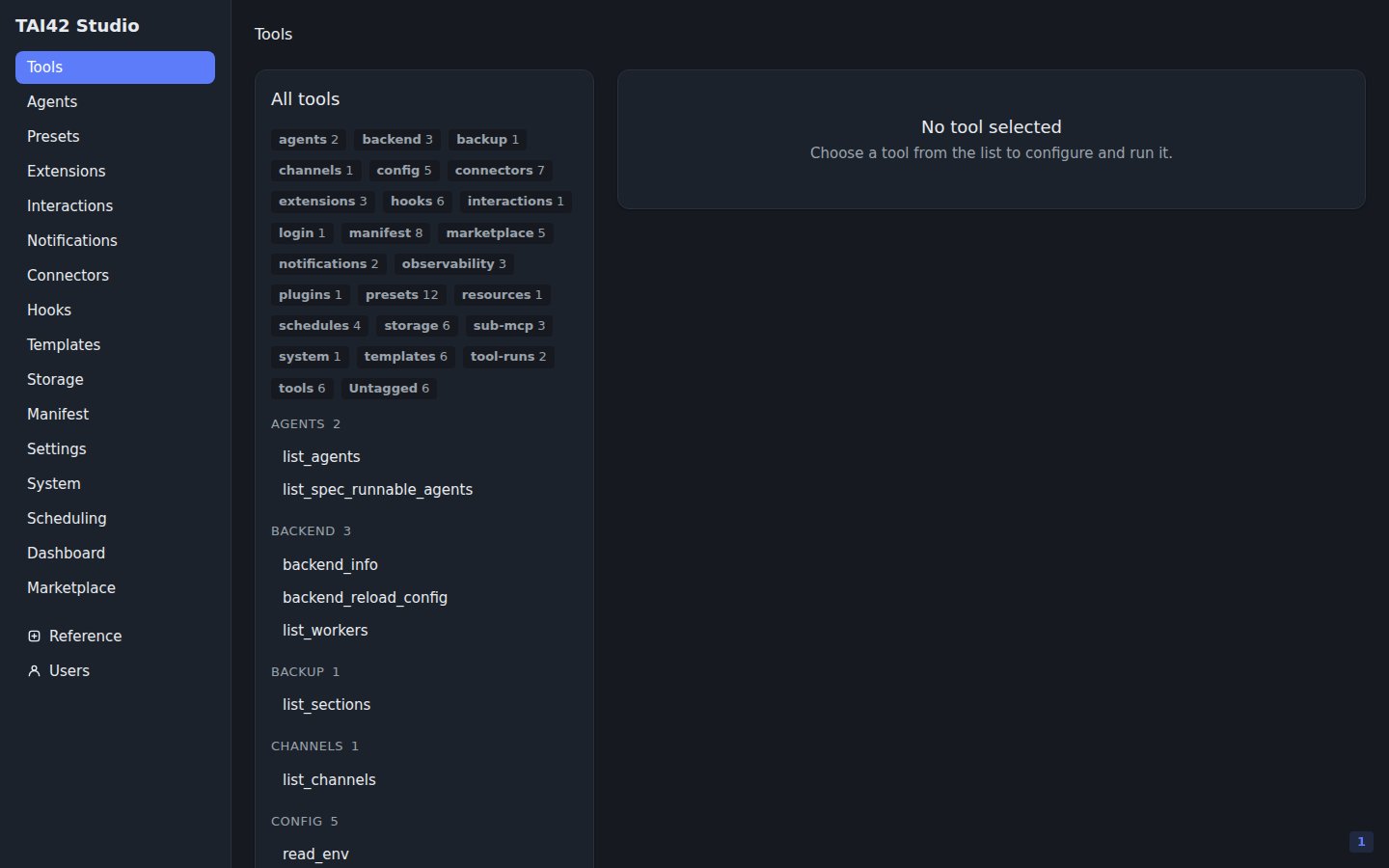
The screenshots throughout this section are captured from a live server booted
with the standard toolbox and the ready-made agents. Your own screens show the
tools, agents, and content your [manifest](/concepts/manifest) loads.
A tour of every surface in the sidebar.
Synchronous runs versus detached background runs.
Health, metrics, settings, and live reloads.
Sign in and provision keys for a deployment.
Serve the built app from the skeleton.
Extend the shell with pages, panels, tabs, and nav entries.
The plugin contract, hooks, and shared components.
The Studio has no user database of its own. It holds a deployment API key in the
browser and sends it on every request — treat that key like a password. See
[API keys](/studio/api-keys) for how sign-in works.
The screenshots throughout this section are captured from a live server booted
with the standard toolbox and the ready-made agents. Your own screens show the
tools, agents, and content your [manifest](/concepts/manifest) loads.