> ## Documentation Index
> Fetch the complete documentation index at: https://docs.tai42.ai/llms.txt
> Use this file to discover all available pages before exploring further.
# The screens
> A tour of every surface in the Studio sidebar.
The Studio's left sidebar is one link per feature. Each screen drives one slice
of the server's `/api/*` surface, and every screen renders its own loading,
empty, and error states rather than a blank page. This page tours the surfaces
you reach most.
## Tools
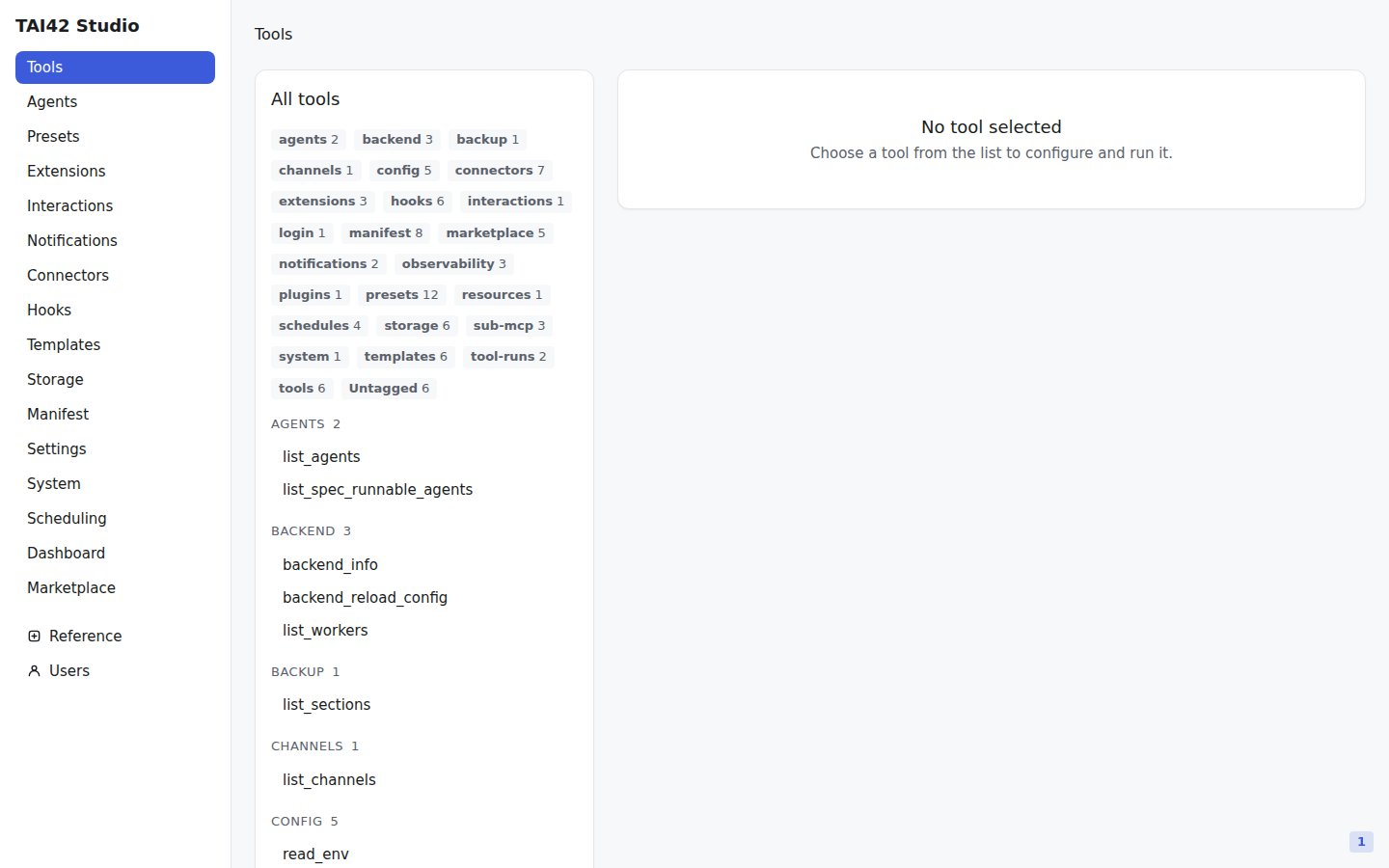
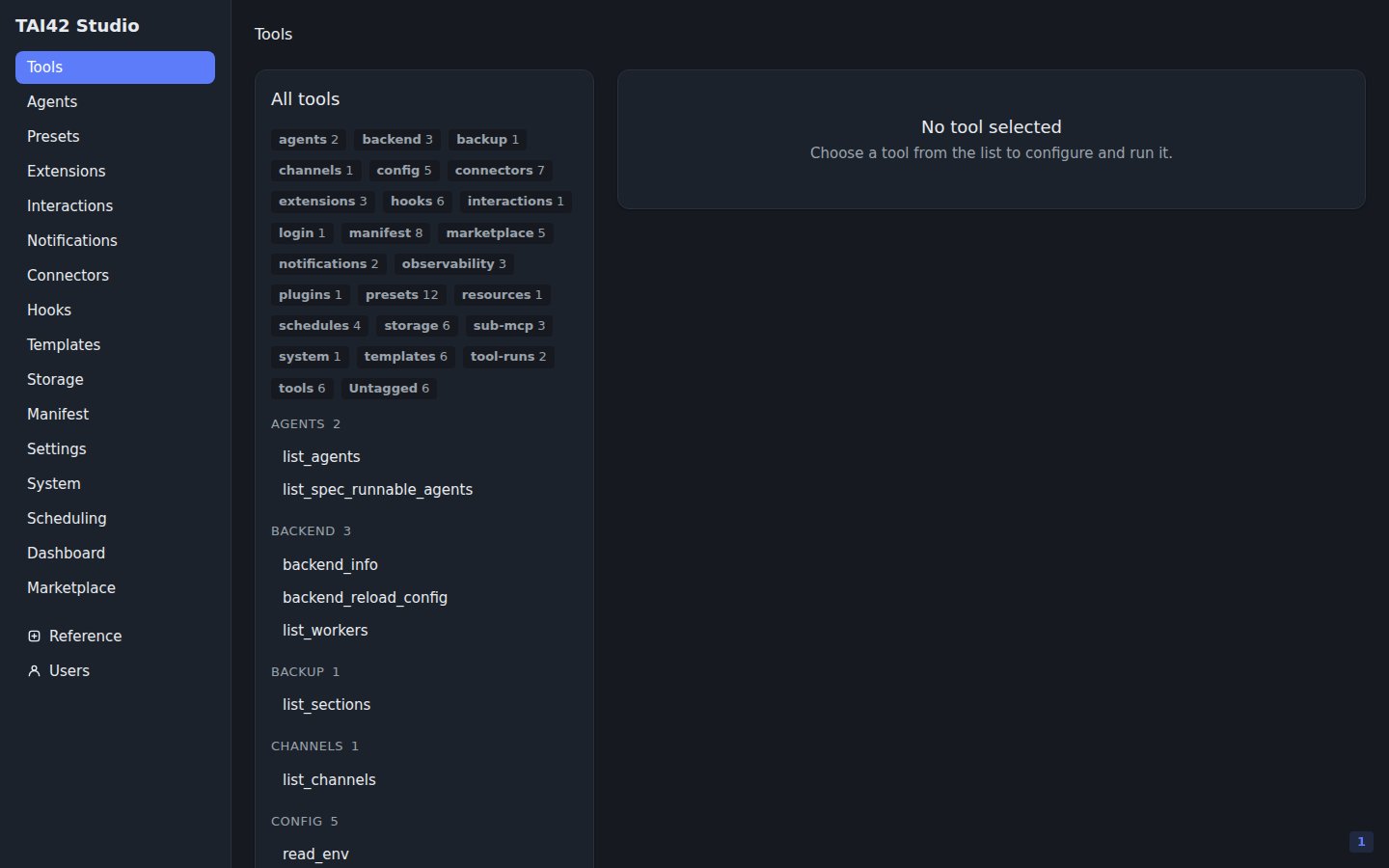
The Tools screen lists every [tool](/concepts/tools-and-extensions) the
[manifest](/concepts/manifest) loaded — your own functions, mounted MCP servers,
the standard toolbox, and any [extension](/concepts/tools-and-extensions)
variants (a `_batch` or `_chain` branch appears as its own runnable tool).
Select one to open its run panel.
 Running a tool has two modes — a synchronous run and a detached background run.
[Running tools](/studio/running-tools) covers the trade-off in full.
## Templates
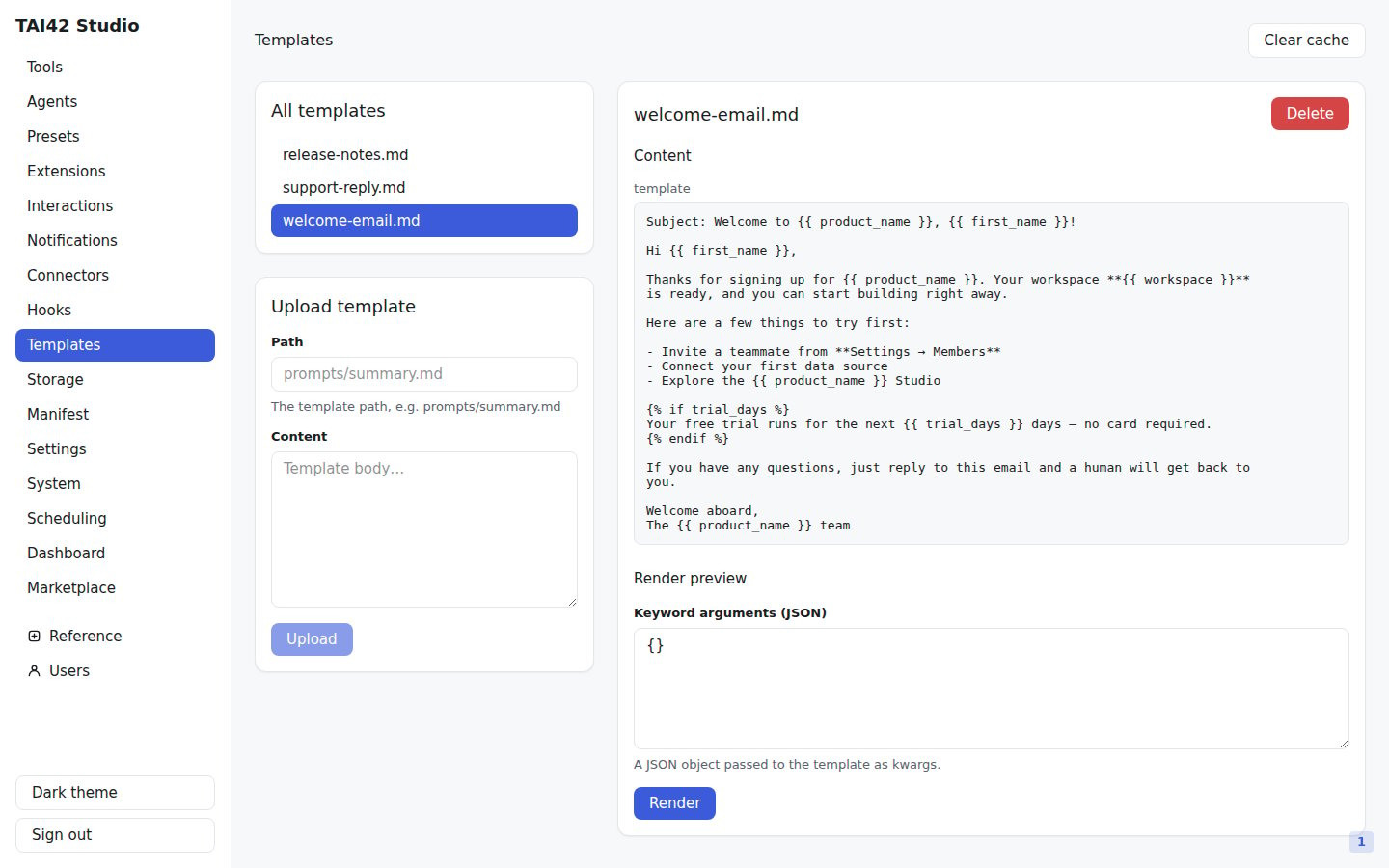
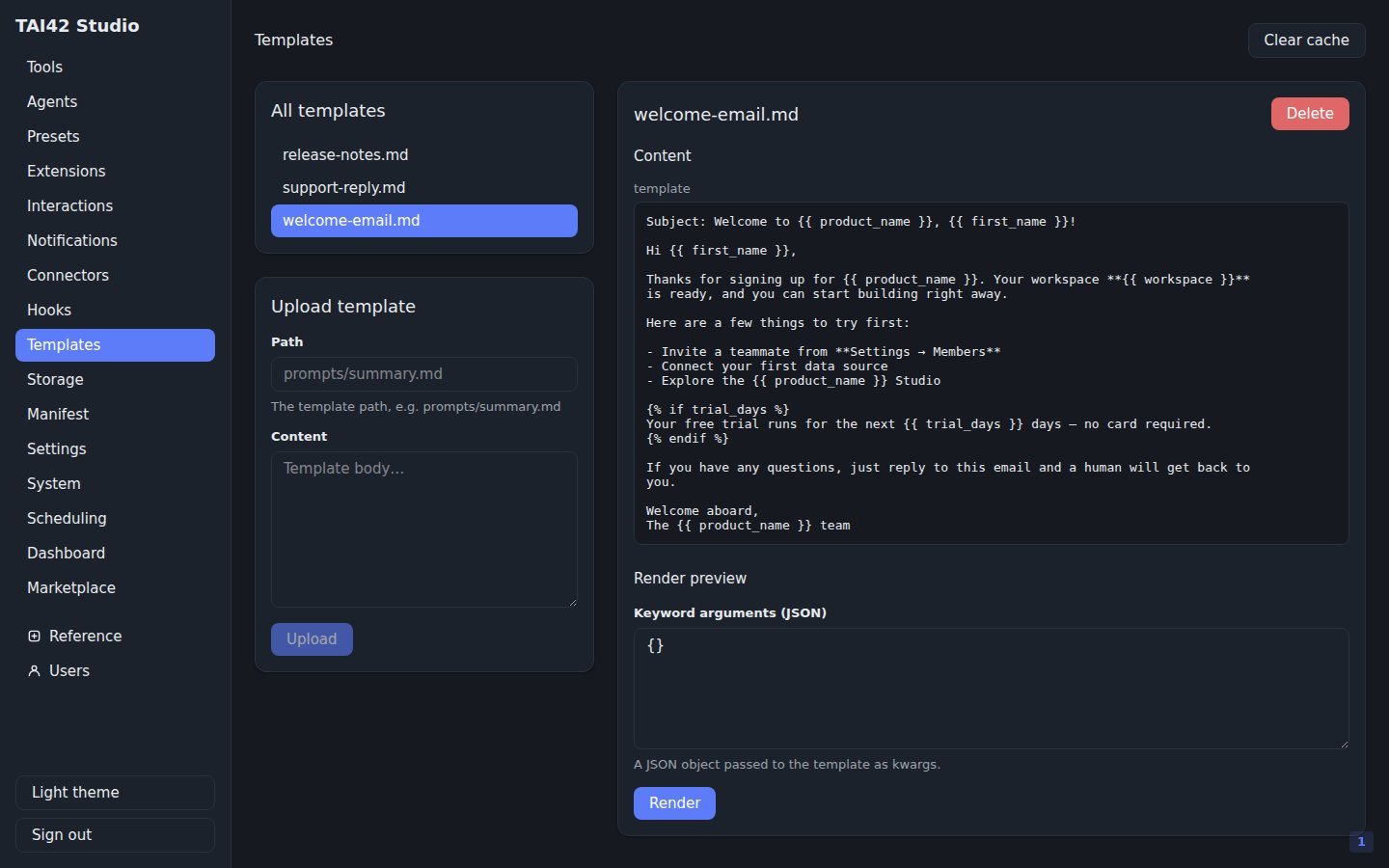
The Templates screen browses the stored resources the
[ResourceManager](/concepts/storage-and-resources) serves — jinja templates and
other content held in the configured storage backend. Select one to view and
render it; the upload form writes a new resource.
Running a tool has two modes — a synchronous run and a detached background run.
[Running tools](/studio/running-tools) covers the trade-off in full.
## Templates
The Templates screen browses the stored resources the
[ResourceManager](/concepts/storage-and-resources) serves — jinja templates and
other content held in the configured storage backend. Select one to view and
render it; the upload form writes a new resource.
 The Templates screen is populated only when the server has a storage backend
registered. A server with no backend reports the surface as unavailable rather
than inventing an empty list.
## Dashboard
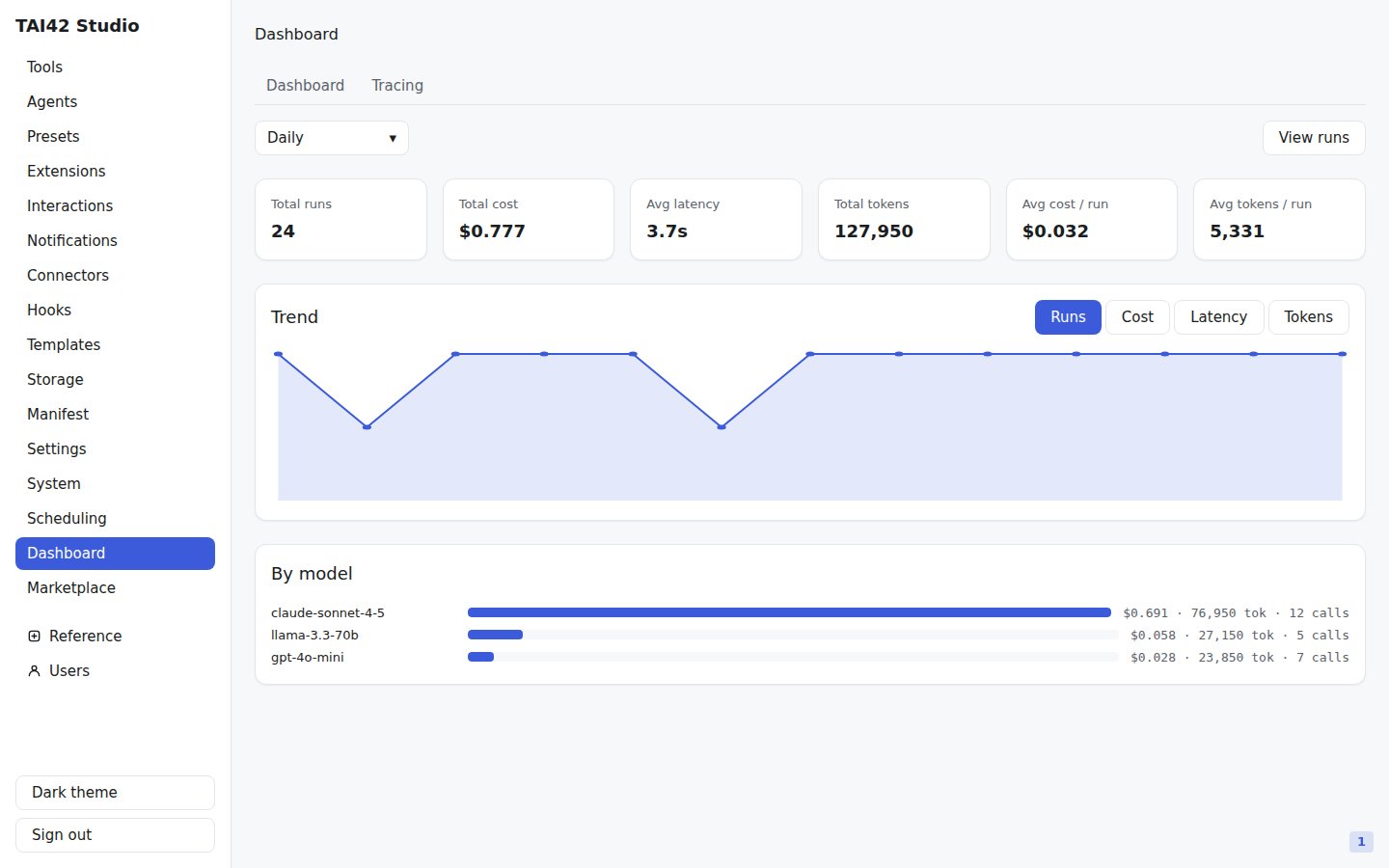
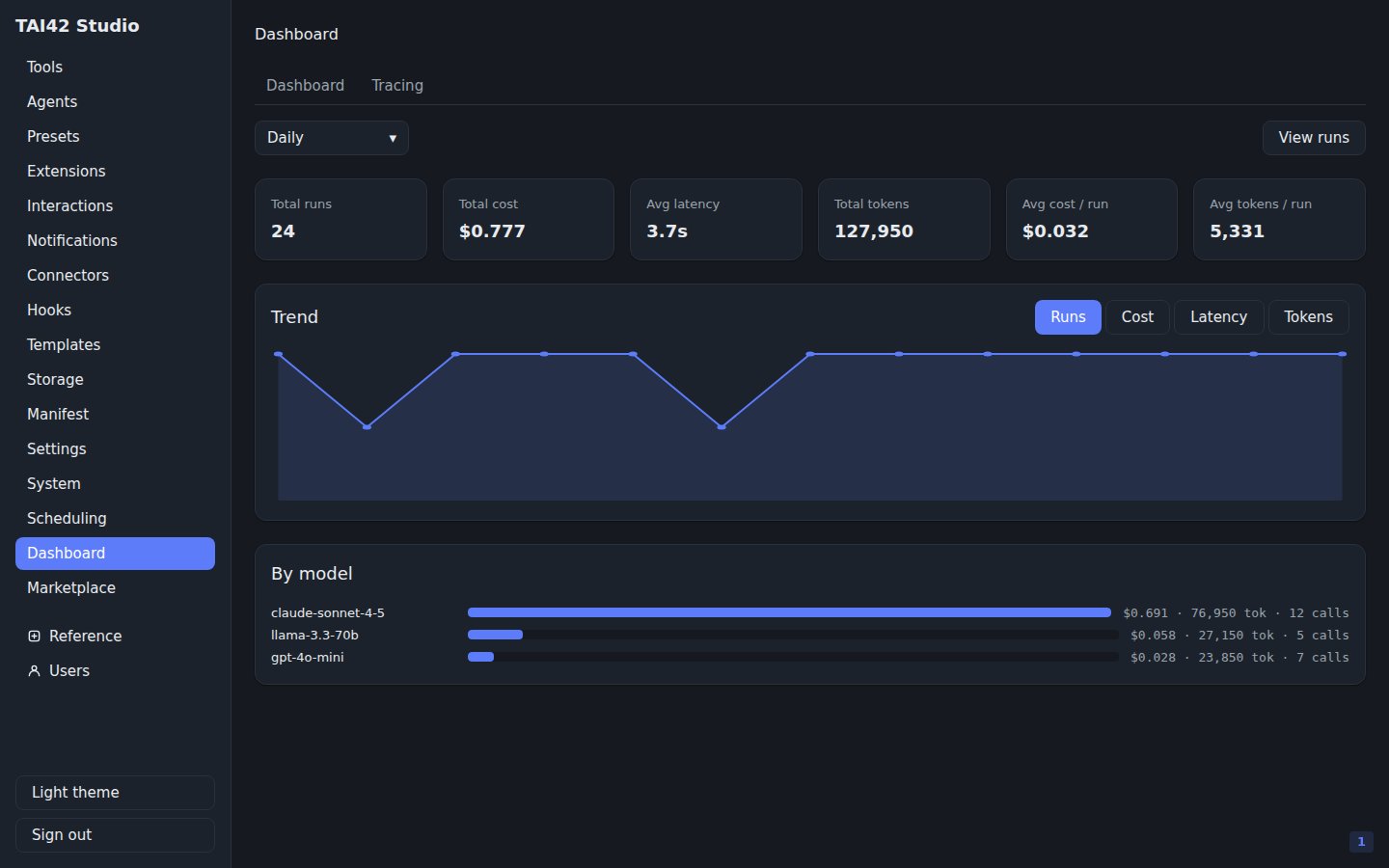
The Dashboard reads the server's [monitoring](/concepts/live-operations) backend
— run counts, cost, latency, and token totals over a time range, with a
per-model breakdown and a trend chart. The demo instance below is populated from
a monitoring backend seeded with example runs; with no backend registered, it
renders a clean empty state instead.
The Templates screen is populated only when the server has a storage backend
registered. A server with no backend reports the surface as unavailable rather
than inventing an empty list.
## Dashboard
The Dashboard reads the server's [monitoring](/concepts/live-operations) backend
— run counts, cost, latency, and token totals over a time range, with a
per-model breakdown and a trend chart. The demo instance below is populated from
a monitoring backend seeded with example runs; with no backend registered, it
renders a clean empty state instead.
 ## Marketplace
The Marketplace screen browses the [marketplace](/marketplace/index) plugin
index through the server. A Browse tab runs an item-level search with facet
chips for kind, category, and tags and a sort control; an Installed tab lists
the plugins this server has installed and their update availability.
Selecting a listing opens its detail — the items it carries, its version
history, its description, and homepage and repository links; when the plugin is
installed, any security advisories affecting the installed version show there
too. The detail drives [install, update, and
uninstall](/marketplace/install) against the server's `/api/marketplace/*`
routes, with progress surfaced in place.
## System
The System screen is the operational read-out: a health badge from the server's
liveness probe and a Metrics panel that renders the server's raw Prometheus
exposition. It is the fastest way to confirm a server is up and answering.
## Marketplace
The Marketplace screen browses the [marketplace](/marketplace/index) plugin
index through the server. A Browse tab runs an item-level search with facet
chips for kind, category, and tags and a sort control; an Installed tab lists
the plugins this server has installed and their update availability.
Selecting a listing opens its detail — the items it carries, its version
history, its description, and homepage and repository links; when the plugin is
installed, any security advisories affecting the installed version show there
too. The detail drives [install, update, and
uninstall](/marketplace/install) against the server's `/api/marketplace/*`
routes, with progress surfaced in place.
## System
The System screen is the operational read-out: a health badge from the server's
liveness probe and a Metrics panel that renders the server's raw Prometheus
exposition. It is the fastest way to confirm a server is up and answering.
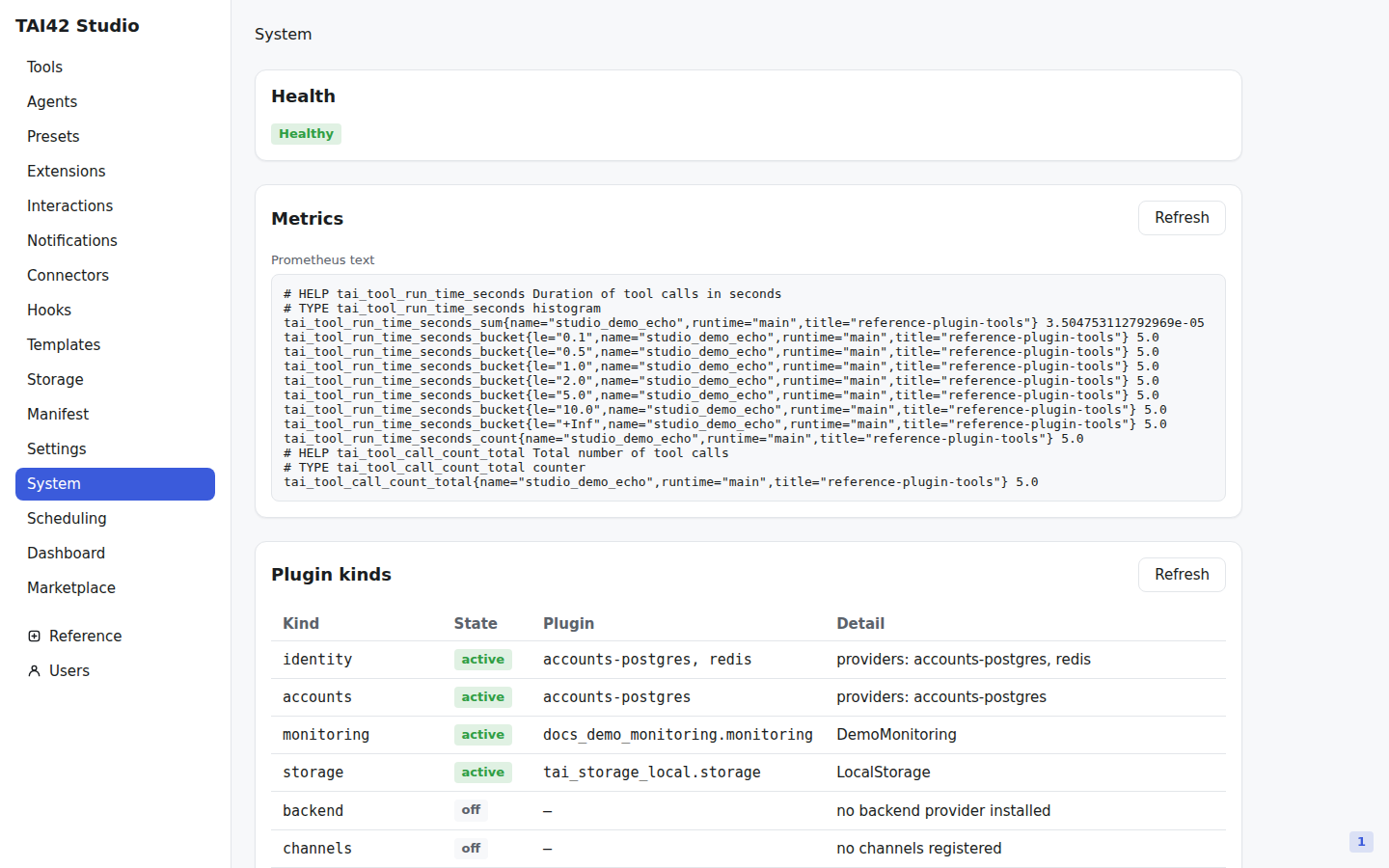
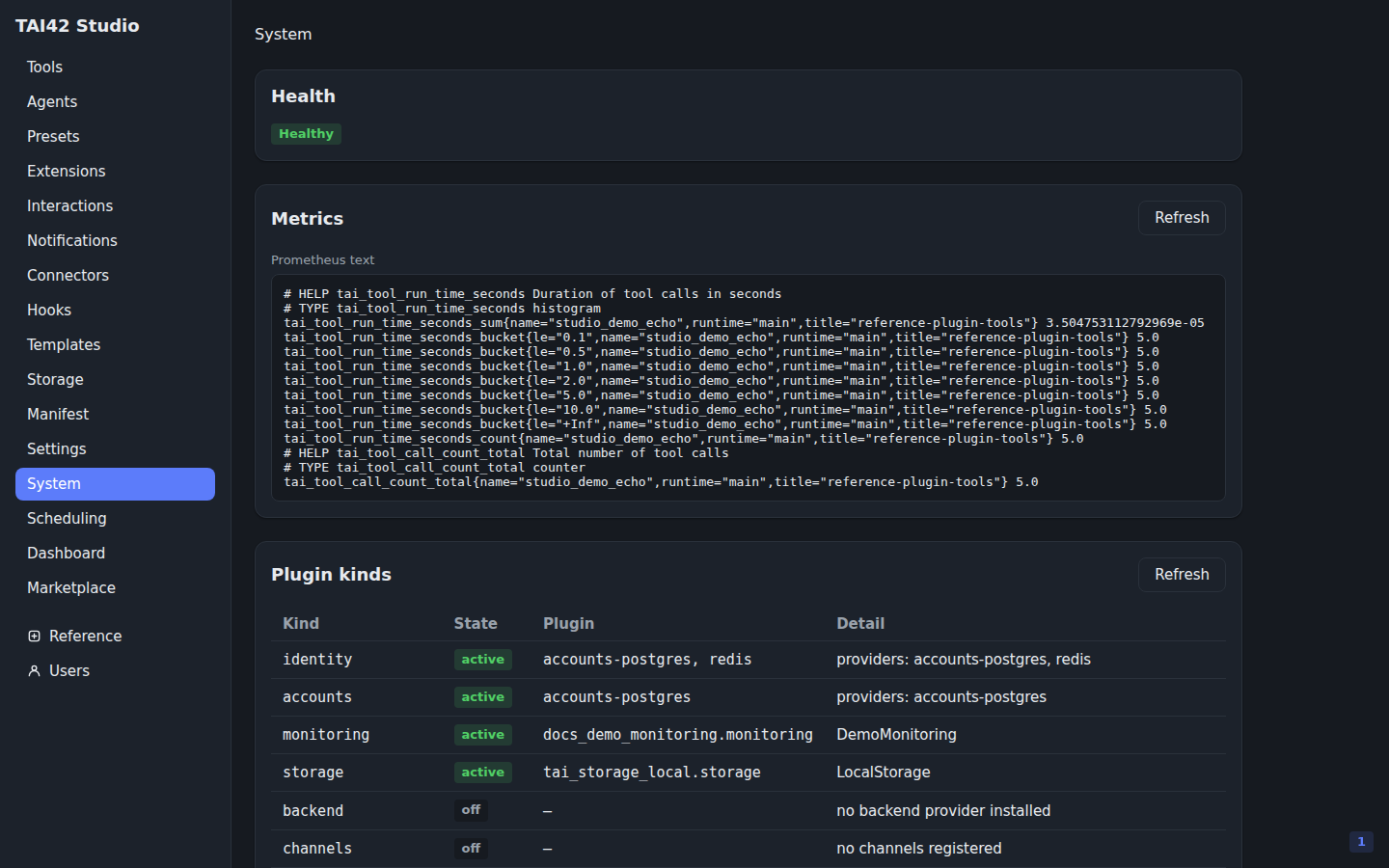 The health badge reads `Healthy` and the Metrics panel renders the server's
Prometheus exposition — the counters shown come from example tool runs on this
demo instance. On a server that has not emitted any metrics yet, the panel shows
a "No metrics reported" empty state instead.
## The scoped Studio
There is one Studio, not a separate portal per role. When you sign in with an
[owned key](/concepts/owned-keys) — a capability-scoped credential rather than a
full-privilege one — the shell renders from that key's **capability projection**
(`GET /api/auth/me`): the sidebar trims to the features the key can reach, each
list slices to what its scopes cover, and the data-bearing inboxes filter to the
key's own identity. Nothing is hidden by the client; the projection is the same
derived, jq-exact view the request gate enforces, so the UI never shows a door
the server would then deny.
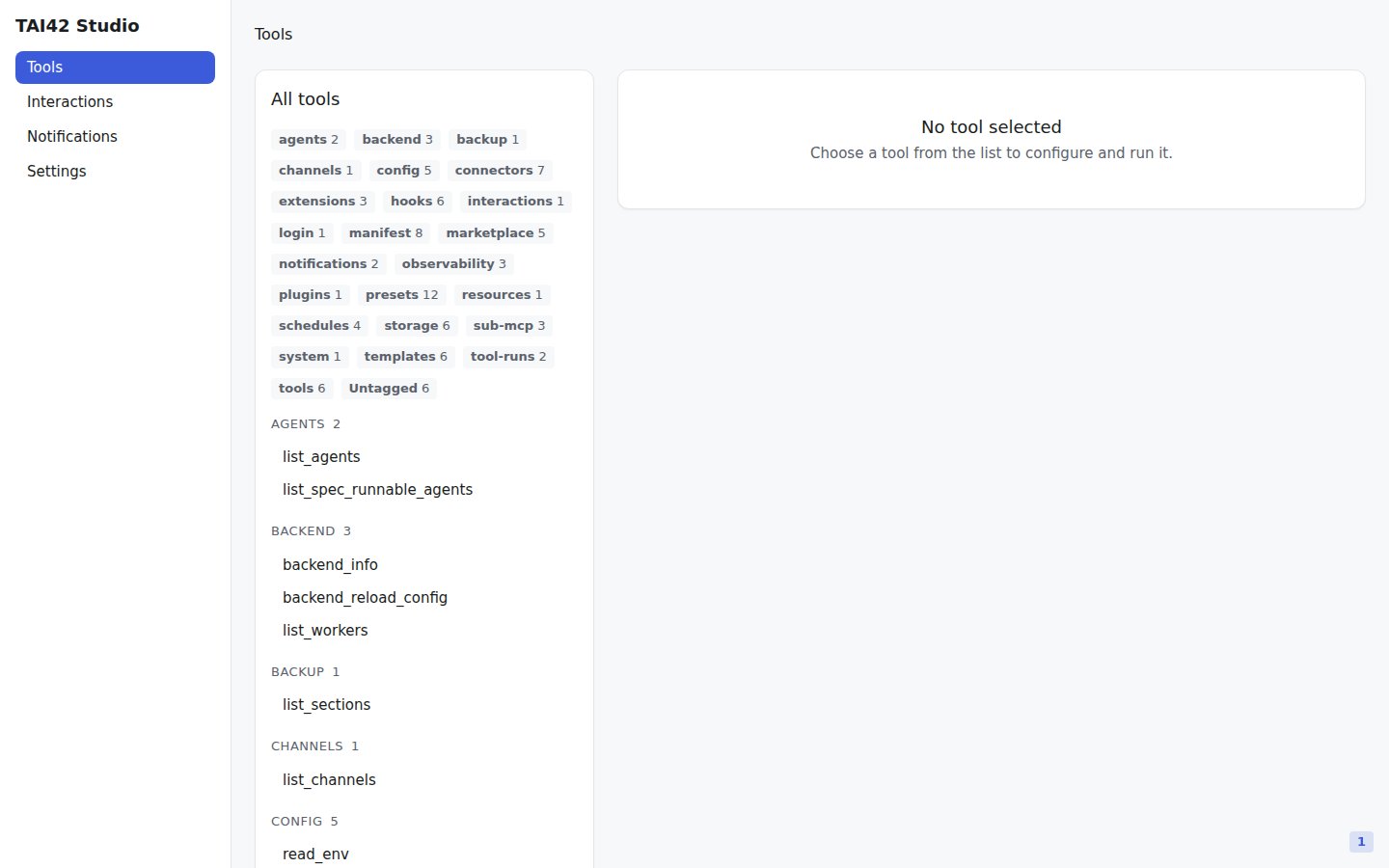
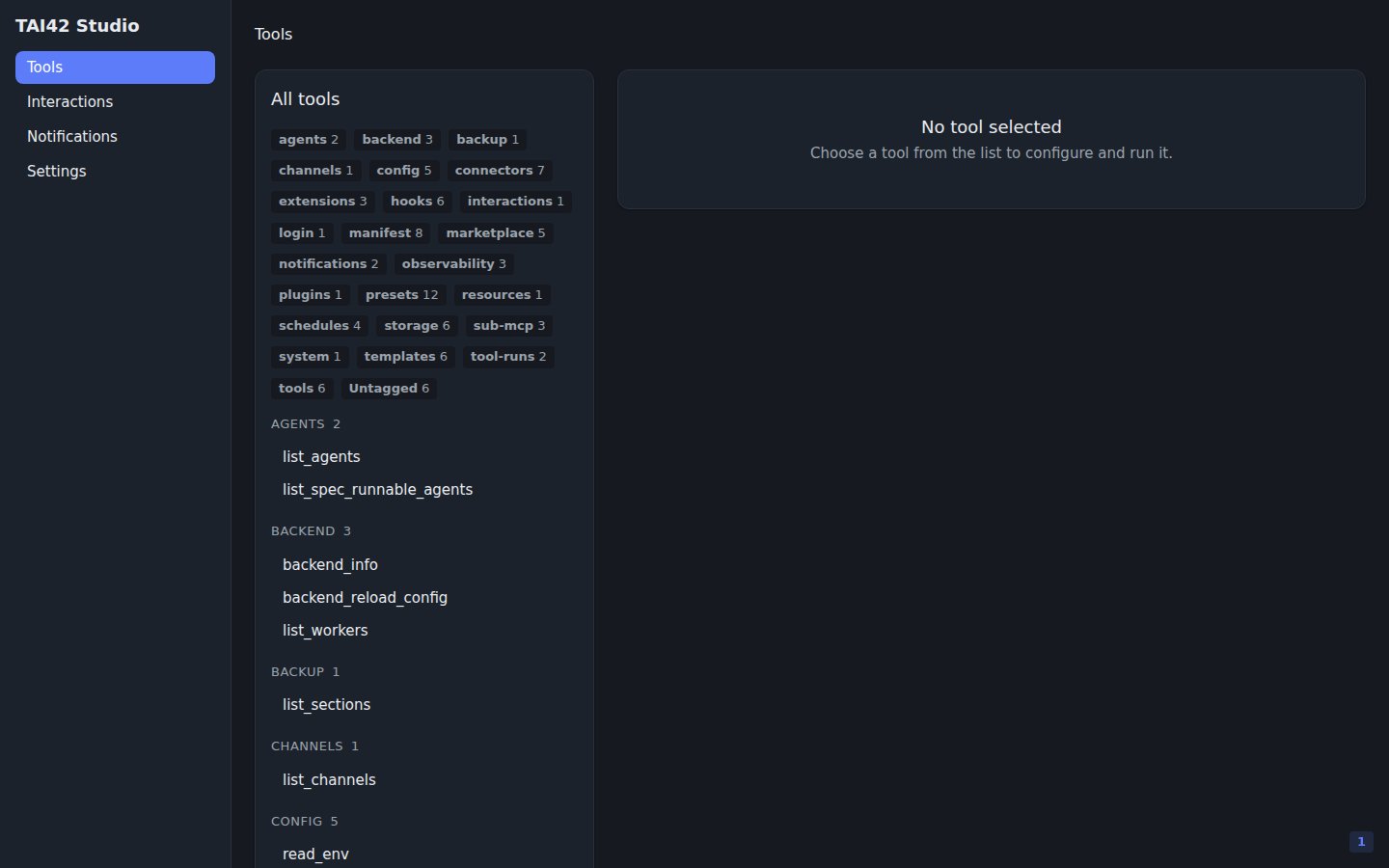
The screen below is the same Tools screen as above, but signed in as an owned key:
the sidebar carries only Tools, Interactions, Notifications, and Settings — the
operator surfaces (Dashboard, System, Marketplace, and the rest) are gone. This
key's projection reaches the tool surface, so its catalog is the full list; the
scoping visible here is the **trimmed navigation**, and the genuinely sliced views
are the identity-filtered inboxes below. A key whose scopes did not reach the tool
surface would list fewer tools — or carry no Tools link at all.
The health badge reads `Healthy` and the Metrics panel renders the server's
Prometheus exposition — the counters shown come from example tool runs on this
demo instance. On a server that has not emitted any metrics yet, the panel shows
a "No metrics reported" empty state instead.
## The scoped Studio
There is one Studio, not a separate portal per role. When you sign in with an
[owned key](/concepts/owned-keys) — a capability-scoped credential rather than a
full-privilege one — the shell renders from that key's **capability projection**
(`GET /api/auth/me`): the sidebar trims to the features the key can reach, each
list slices to what its scopes cover, and the data-bearing inboxes filter to the
key's own identity. Nothing is hidden by the client; the projection is the same
derived, jq-exact view the request gate enforces, so the UI never shows a door
the server would then deny.
The screen below is the same Tools screen as above, but signed in as an owned key:
the sidebar carries only Tools, Interactions, Notifications, and Settings — the
operator surfaces (Dashboard, System, Marketplace, and the rest) are gone. This
key's projection reaches the tool surface, so its catalog is the full list; the
scoping visible here is the **trimmed navigation**, and the genuinely sliced views
are the identity-filtered inboxes below. A key whose scopes did not reach the tool
surface would list fewer tools — or carry no Tools link at all.
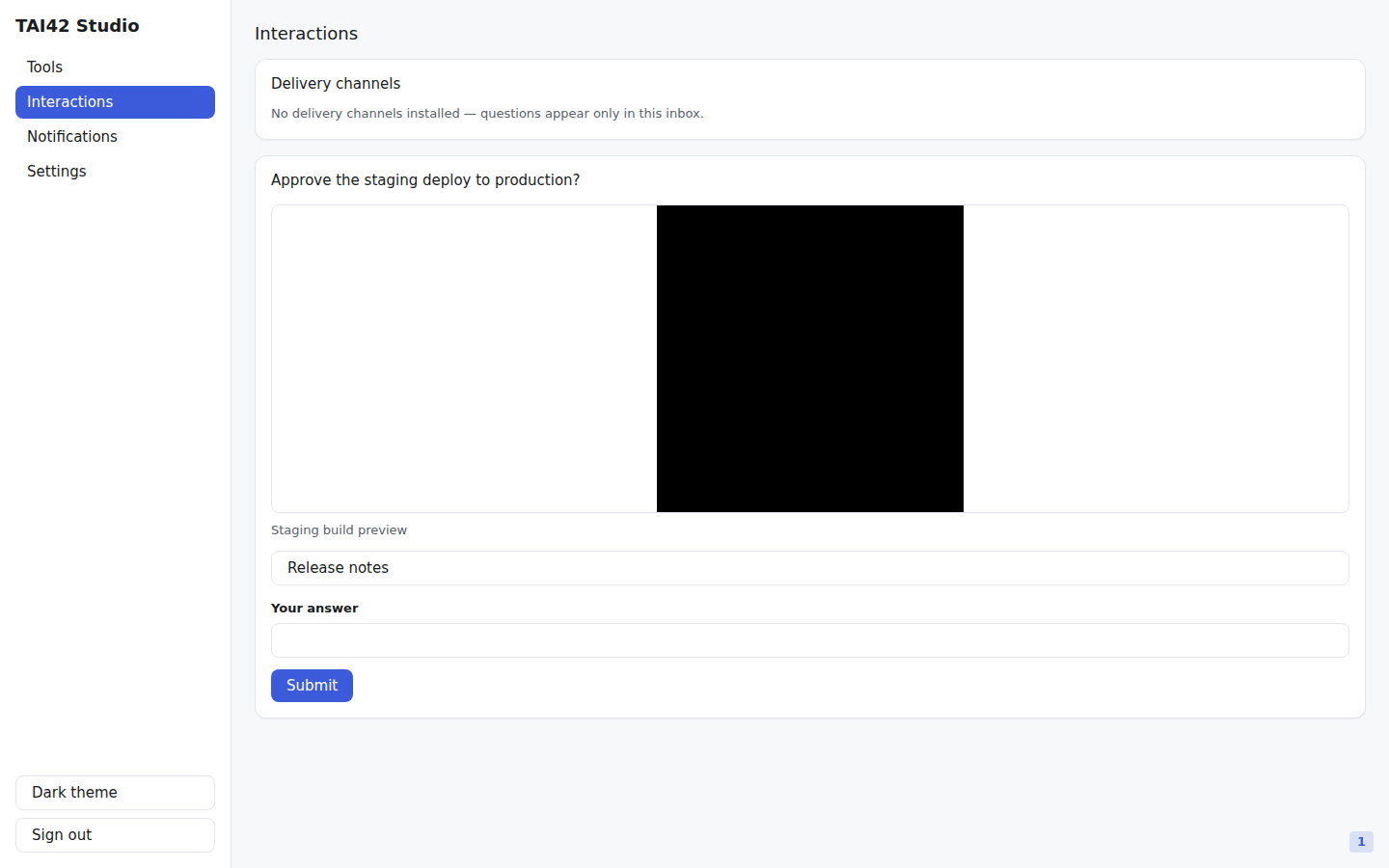
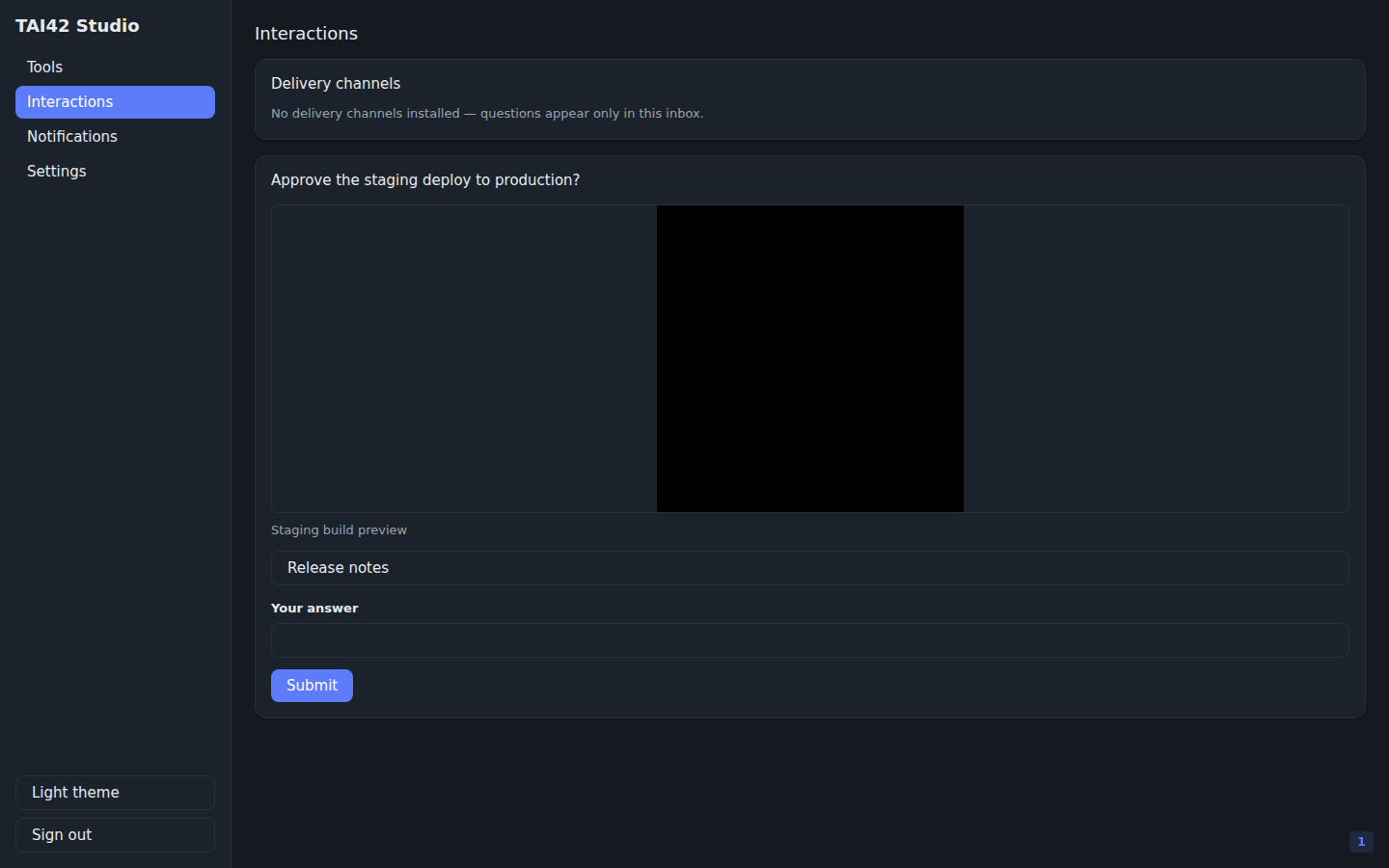
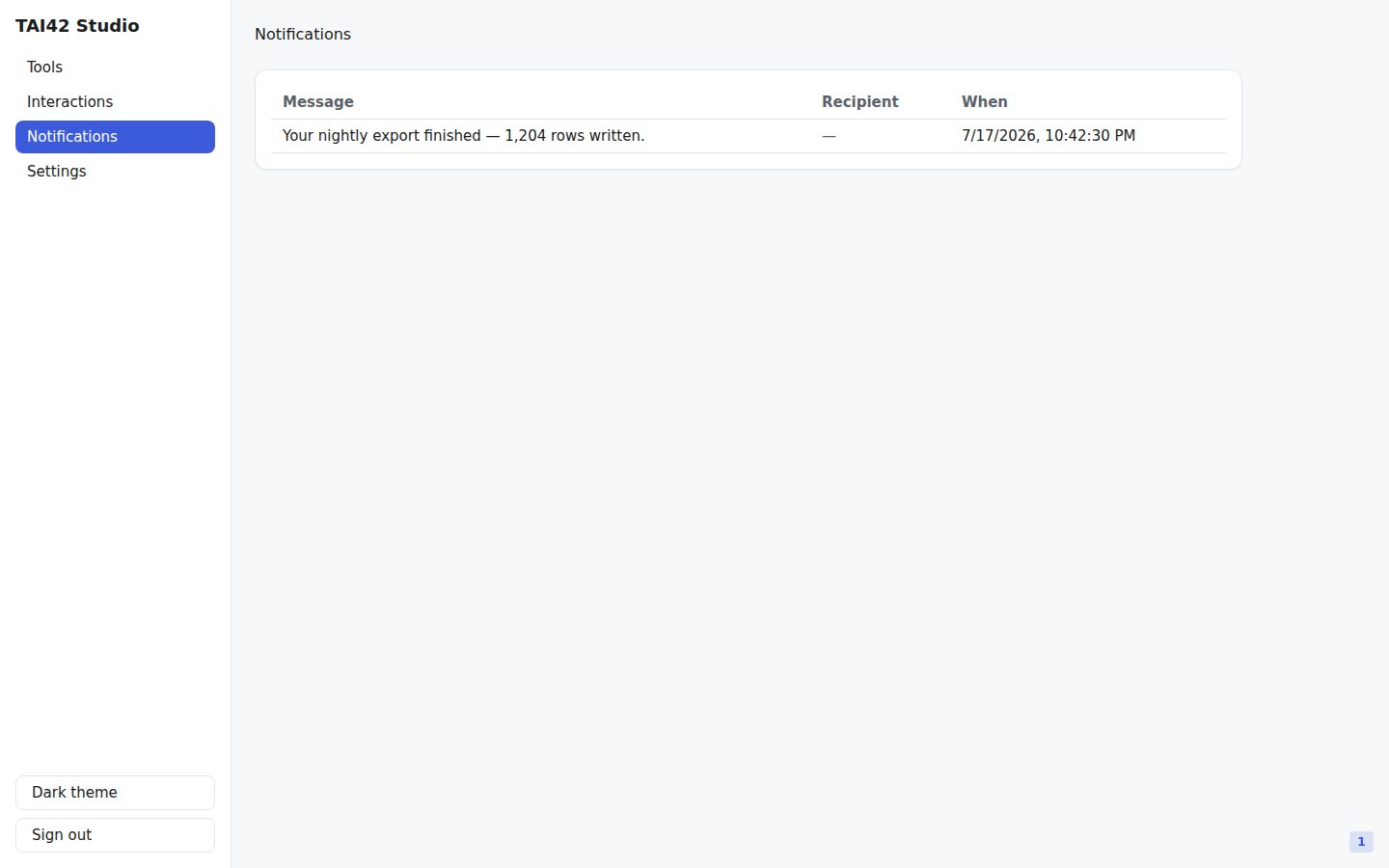
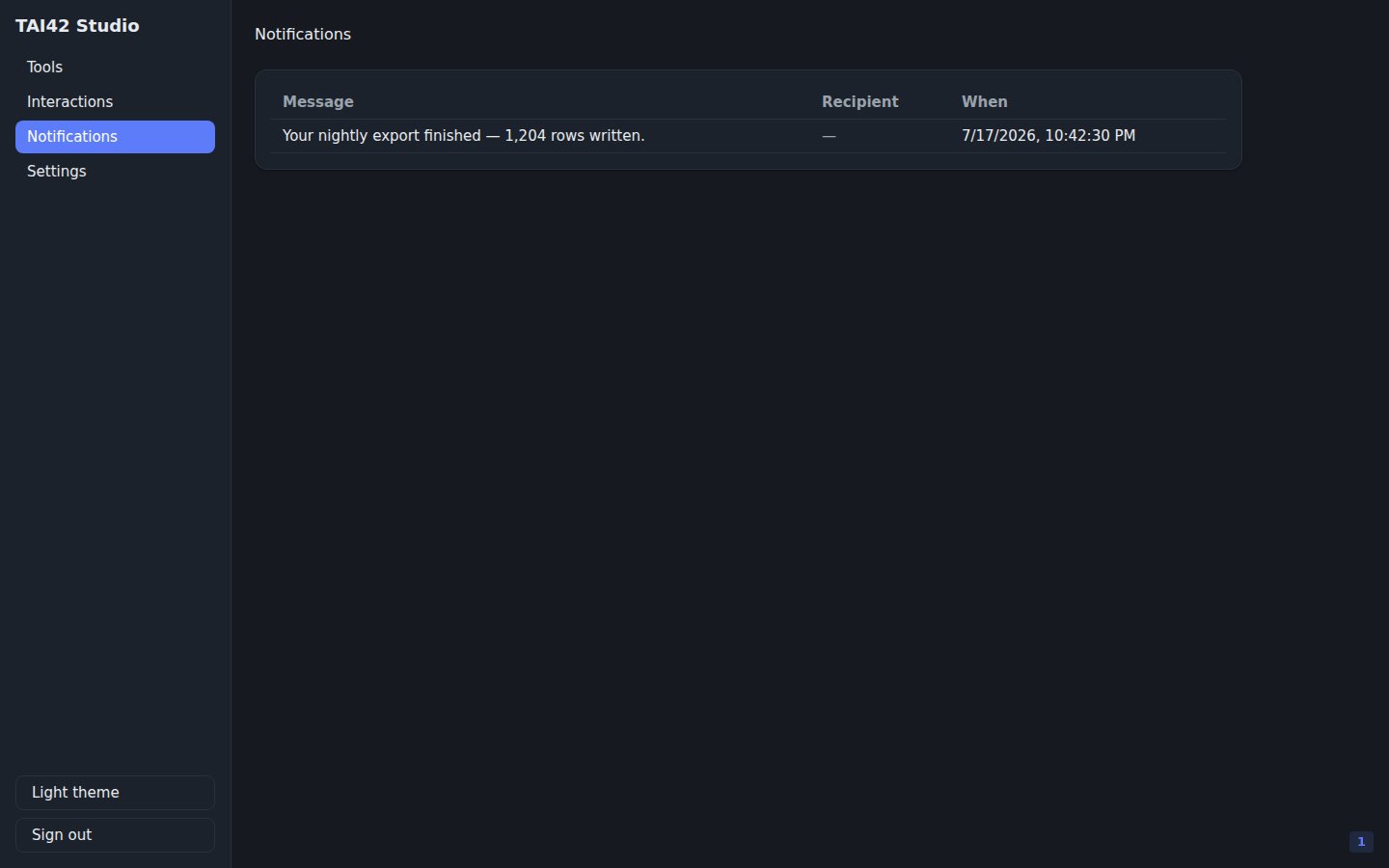
 The Interactions and Notifications inboxes are **isolated by identity**. A
restricted key sees only messages [addressed to its own key
identity](/concepts/owned-keys#data-isolation) by `audience` — the pending questions
and notifications keyed on that key itself (its own island, not shared with sibling
keys under the same owner), never another identity's slice and never an operator's
broadcast.
The Interactions and Notifications inboxes are **isolated by identity**. A
restricted key sees only messages [addressed to its own key
identity](/concepts/owned-keys#data-isolation) by `audience` — the pending questions
and notifications keyed on that key itself (its own island, not shared with sibling
keys under the same owner), never another identity's slice and never an operator's
broadcast.
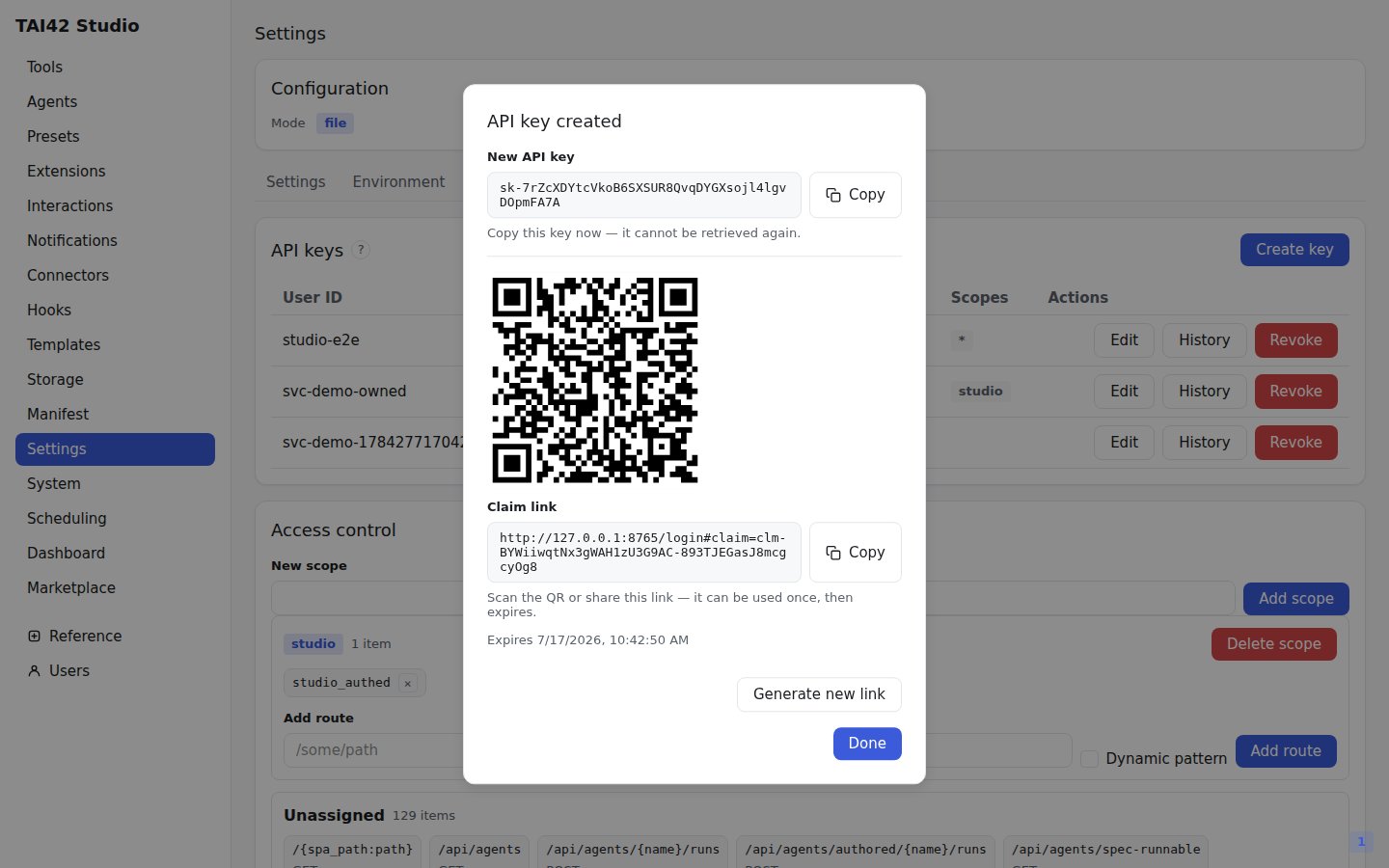
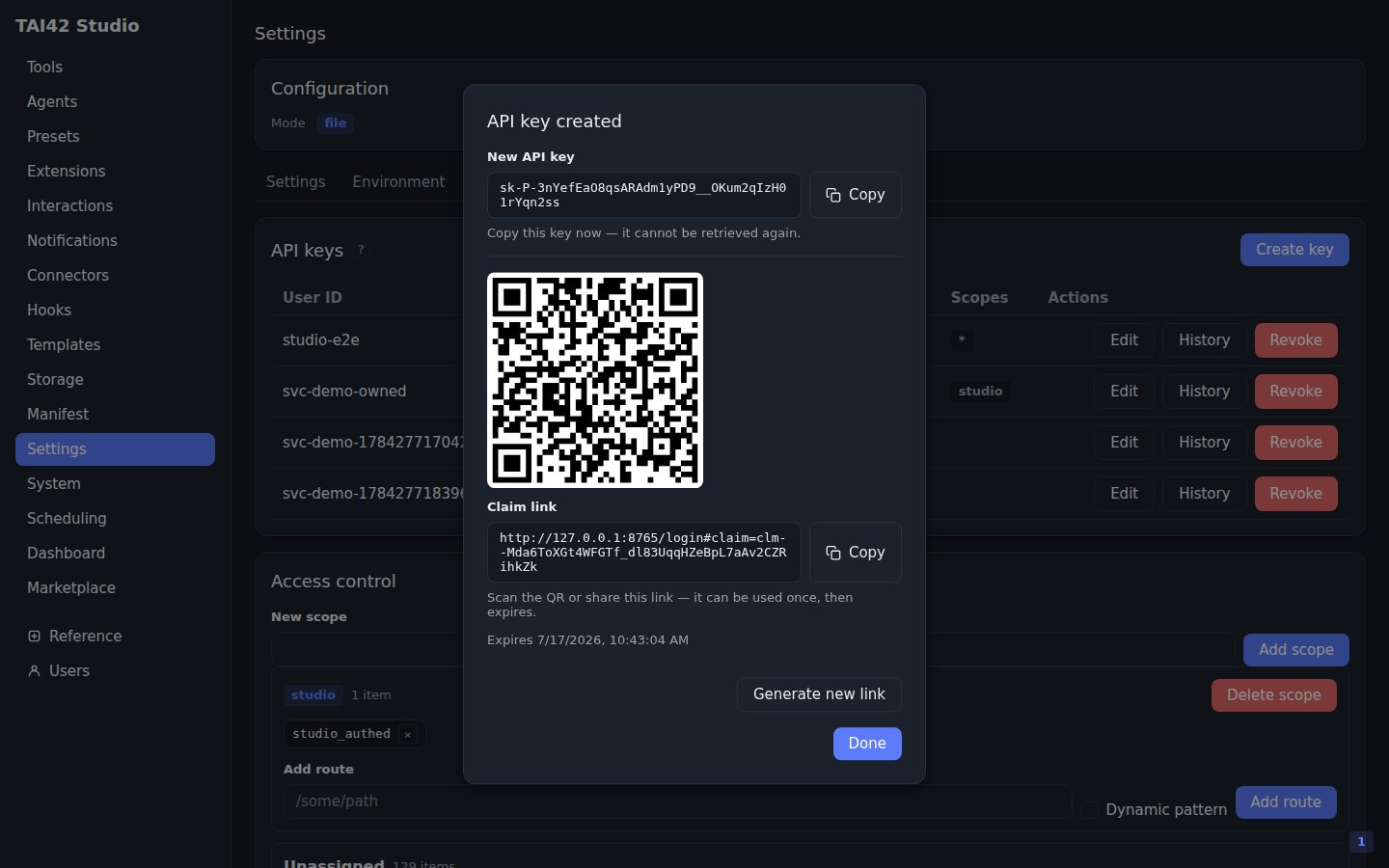
 You hand an owned key to another device without exposing the secret by minting it
from the [API-keys](/studio/api-keys) tab and turning it into a one-time QR
**claim link** in the create dialog. The [owned-keys guide](/guides/owned-keys)
walks the full flow.
You hand an owned key to another device without exposing the secret by minting it
from the [API-keys](/studio/api-keys) tab and turning it into a one-time QR
**claim link** in the create dialog. The [owned-keys guide](/guides/owned-keys)
walks the full flow.
 ## The rest of the sidebar
The remaining links follow the same shape — a master list on the left, a detail
or editor on the right:
* **Agents** — the [agents](/concepts/agents) the manifest registered, each with
a run entry.
* **Presets** — [versioned tool-wraps](/concepts/presets) and their version
history.
* **Extensions** — the [extension](/concepts/tools-and-extensions) catalog and
the combos attached to each tool.
* **Interactions** — the [human-in-the-loop](/concepts/interactions) inbox of
pending questions.
* **Connectors** — [OAuth connections](/concepts/connectors) to outside apps.
* **Hooks** — [event hooks](/concepts/hooks) wired to the server.
* **Scheduling** — [scheduled tool runs](/concepts/triggers-and-webhooks).
* **Manifest** — the live [manifest](/concepts/manifest) of mounted MCP servers
and user tools.
* **Settings** — server configuration, environment values, and API keys (see
[Admin console](/studio/admin-console) and [API keys](/studio/api-keys)).
Several of these surfaces are backed by Redis or Postgres in the running server;
a screen whose store is not provisioned says so plainly instead of showing a
fabricated state.
See the [Studio SDK reference](/reference/studio-sdk/index) for the components
and hooks these screens are built from.
## The rest of the sidebar
The remaining links follow the same shape — a master list on the left, a detail
or editor on the right:
* **Agents** — the [agents](/concepts/agents) the manifest registered, each with
a run entry.
* **Presets** — [versioned tool-wraps](/concepts/presets) and their version
history.
* **Extensions** — the [extension](/concepts/tools-and-extensions) catalog and
the combos attached to each tool.
* **Interactions** — the [human-in-the-loop](/concepts/interactions) inbox of
pending questions.
* **Connectors** — [OAuth connections](/concepts/connectors) to outside apps.
* **Hooks** — [event hooks](/concepts/hooks) wired to the server.
* **Scheduling** — [scheduled tool runs](/concepts/triggers-and-webhooks).
* **Manifest** — the live [manifest](/concepts/manifest) of mounted MCP servers
and user tools.
* **Settings** — server configuration, environment values, and API keys (see
[Admin console](/studio/admin-console) and [API keys](/studio/api-keys)).
Several of these surfaces are backed by Redis or Postgres in the running server;
a screen whose store is not provisioned says so plainly instead of showing a
fabricated state.
See the [Studio SDK reference](/reference/studio-sdk/index) for the components
and hooks these screens are built from.