

/api/* surface the UI drives.
Serve the built app
Build the Studio to adist directory, then set the skeleton’s
STUDIO_DIST_PATH (the studio_dist_path setting) to that path and start the
server. The skeleton serves the app — index.html, the hashed asset bundles,
and the stable vendor/ modules — under its own origin, with the /api/*
routes taking precedence and every other path falling back to the app shell.
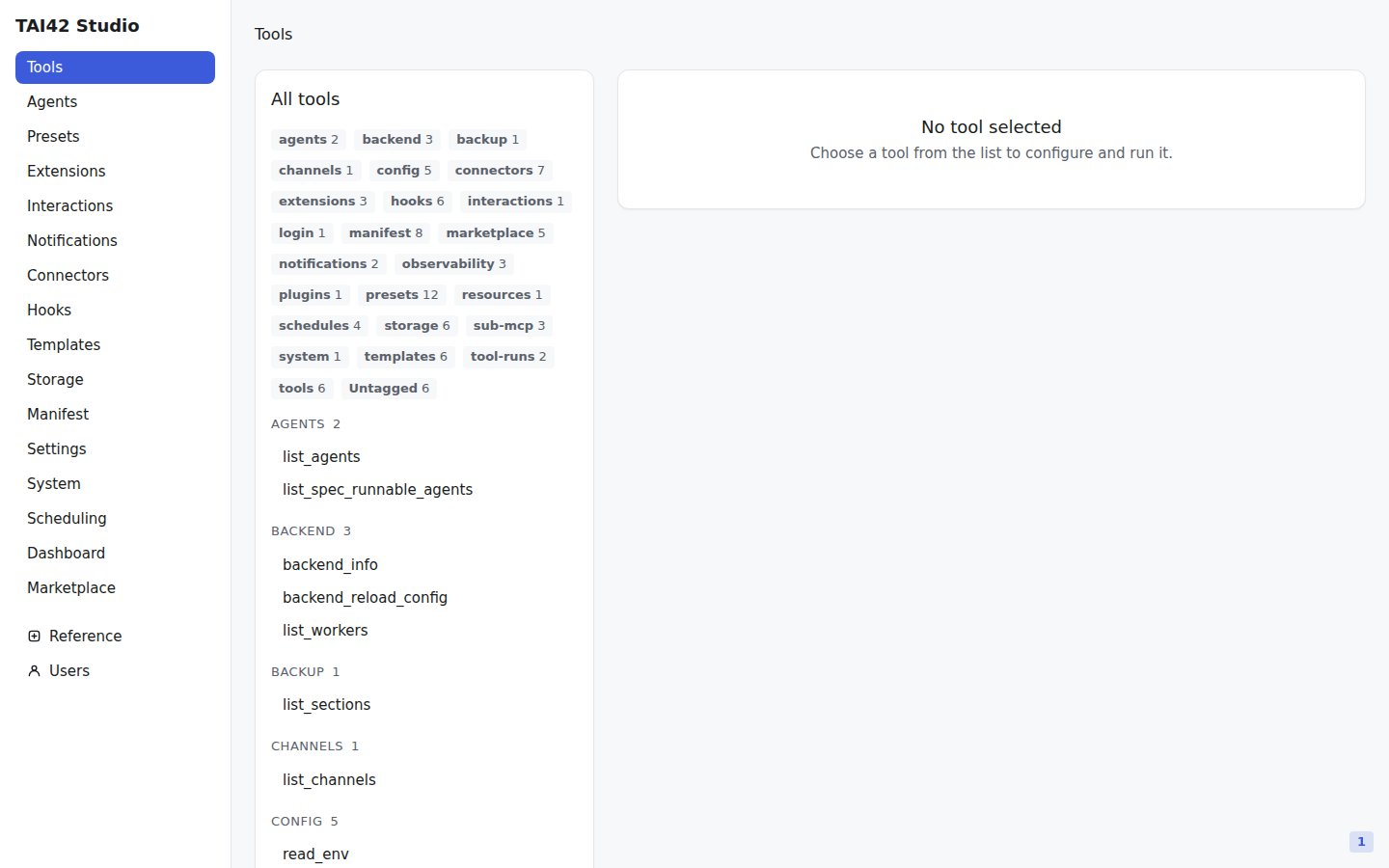
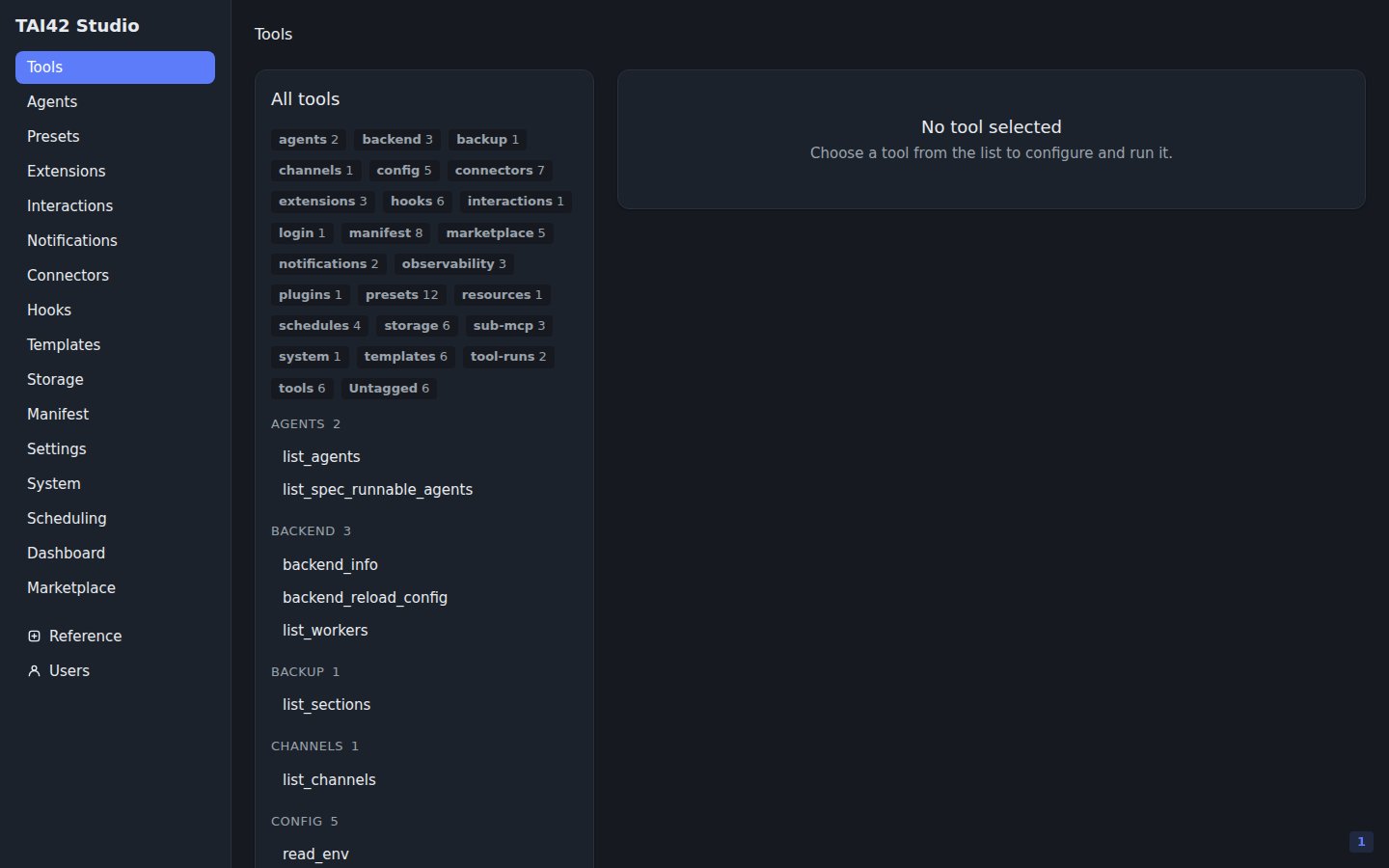
The Studio, served by the skeleton on the same origin as its API.
studio_dist_path is a per-deployment setting, not manifest
content. Leave it unset on a server that does not host the UI — the app route
answers 404 while the path is unset.Why the app must be built and served
The skeleton injects an import map intoindex.html at serve time — the map
that resolves the app’s shared modules (react, @tai42/studio-sdk, and the
rest) and, for a Studio plugin, the plugin’s
bundle. A statically previewed index.html carries the un-replaced import-map
anchor and dies on the first bare import, so a Studio plugin loads only against
a built app the skeleton serves — never under a plain dev server.
The OAuth-bridge allowlist
Connectors that use OAuth redirect through the skeleton, or through its configured OAuth bridge. WhenCONNECTORS_OAUTH_BRIDGE_URL is set
on the skeleton, the bridge origin must also appear in the skeleton’s
CONNECTORS_REDIRECT_URI_ALLOWLIST.
See the deploy guide for running a server for real, the
serve command for the launch flags, and the
Studio SDK reference for building a Studio plugin.