

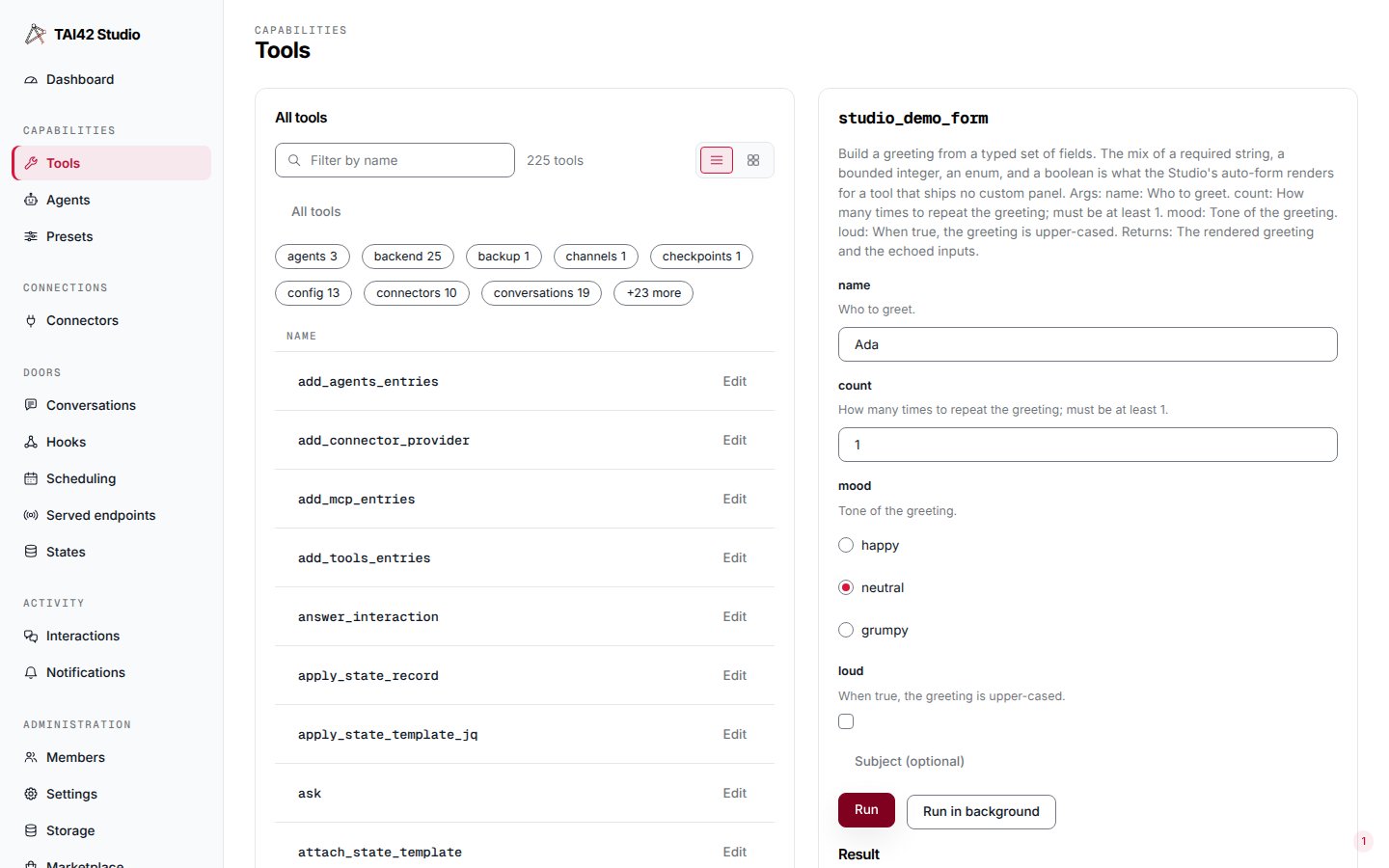
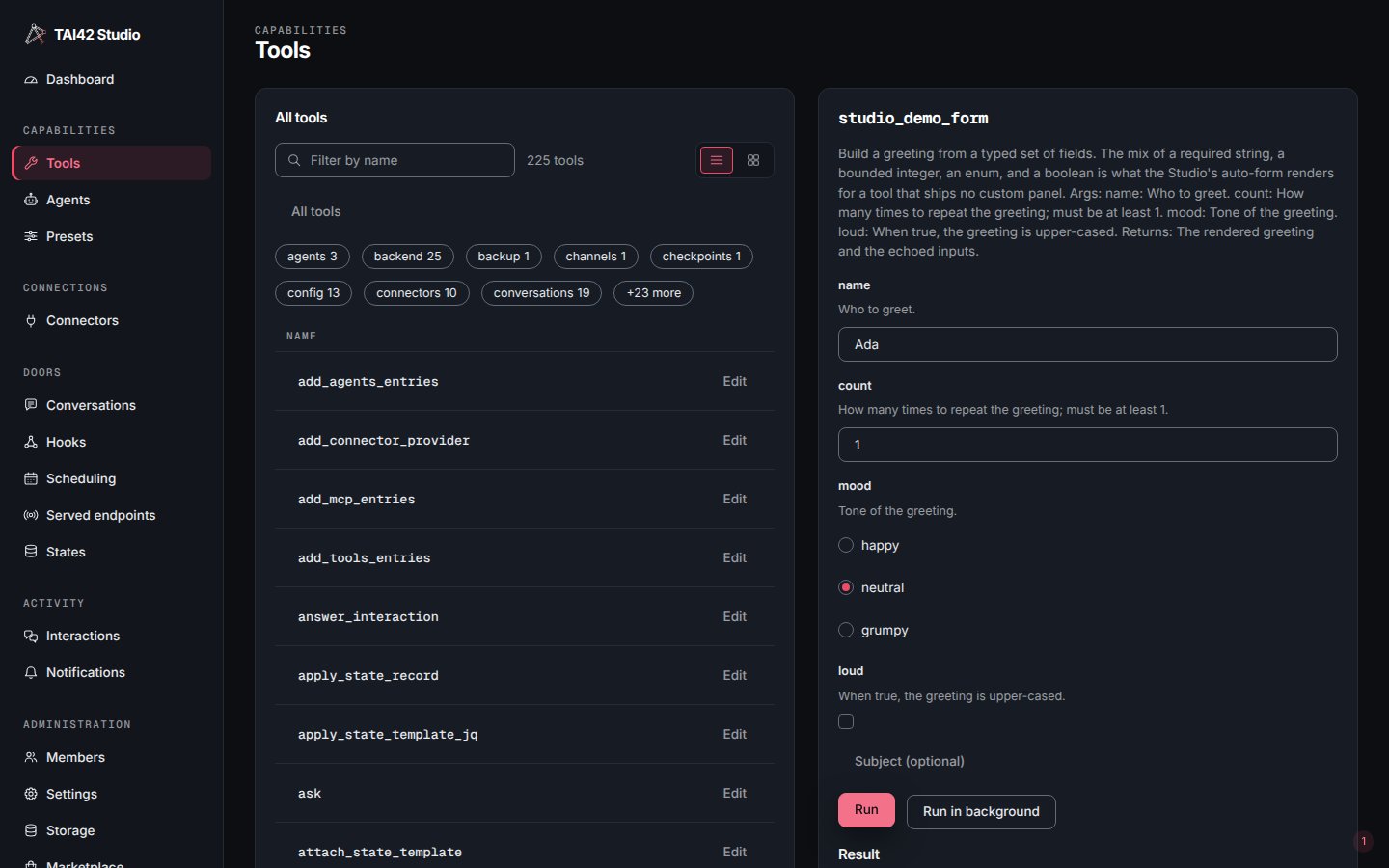
The run panel: a synchronous result, with Run and Run in background above it.
Run (synchronous)
Run issues a singlePOST /api/run-tool held open until the tool finishes,
then renders the typed result inline. It is the right choice for a fast tool
whose result you want immediately.
A result that carries nothing shows an Empty result note in place of the tree:
“The tool returned no value.” when nothing came back, or “The tool returned an empty
value: [].” naming what did come back — null, a blank string, [] or {}. 0
and false are values and render as such.
The catch is that the result lives only on that one open connection. If the
browser closes, a proxy times out, or the client-side timeout fires, the result
is gone — even though the tool may still be executing server-side, side effects
and all.
Run in background
Run in background issuesPOST /api/tool-runs, which returns a run_id
immediately and runs the tool as a detached task. The Studio then polls for the
outcome and keeps a per-tool Recent background runs list. Use this for long
or interactive human-in-the-loop tools.
1
Start the run
POST /api/tool-runs returns a run_id and the skeleton runs the tool
detached.2
Poll for the result
The Studio polls
GET /api/tool-runs/{run_id} every two seconds, stopping on
a terminal state.3
Read the outcome
The result is retrievable from the record until it expires — the skeleton’s
TAI_TOOL_RUNS_RESULT_TTL_SECONDS, 24 hours by default.lost means the skeleton restarted while the run was executing. The Studio
says so plainly rather than pretending the run failed or never happened.What background runs are not
- Not streaming. Progress is observed by polling, not a live feed — there is no partial-output stream for a tool run.
- TTL-bounded. Run records live in the skeleton’s Redis with a TTL; there is
no permanent run history, and an expired
run_idis a plain404. - Not durable across a restart mid-run. An in-flight run whose process dies
becomes
lost. Background execution buys disconnect-survival for the client, not crash-recovery of the run itself.
Background runs require the skeleton’s Redis-backed run store. A server without
it still runs tools synchronously; the Recent background runs list reports
the store as unavailable rather than faking a history.
The list is not limited to the Run in background button. When the run store is
configured, a tool fired by a hook, webhook, or trigger link is
recorded in the same store — under the firing execution key — and surfaces in that
tool’s Recent background runs, gettable by run id like any background run.