

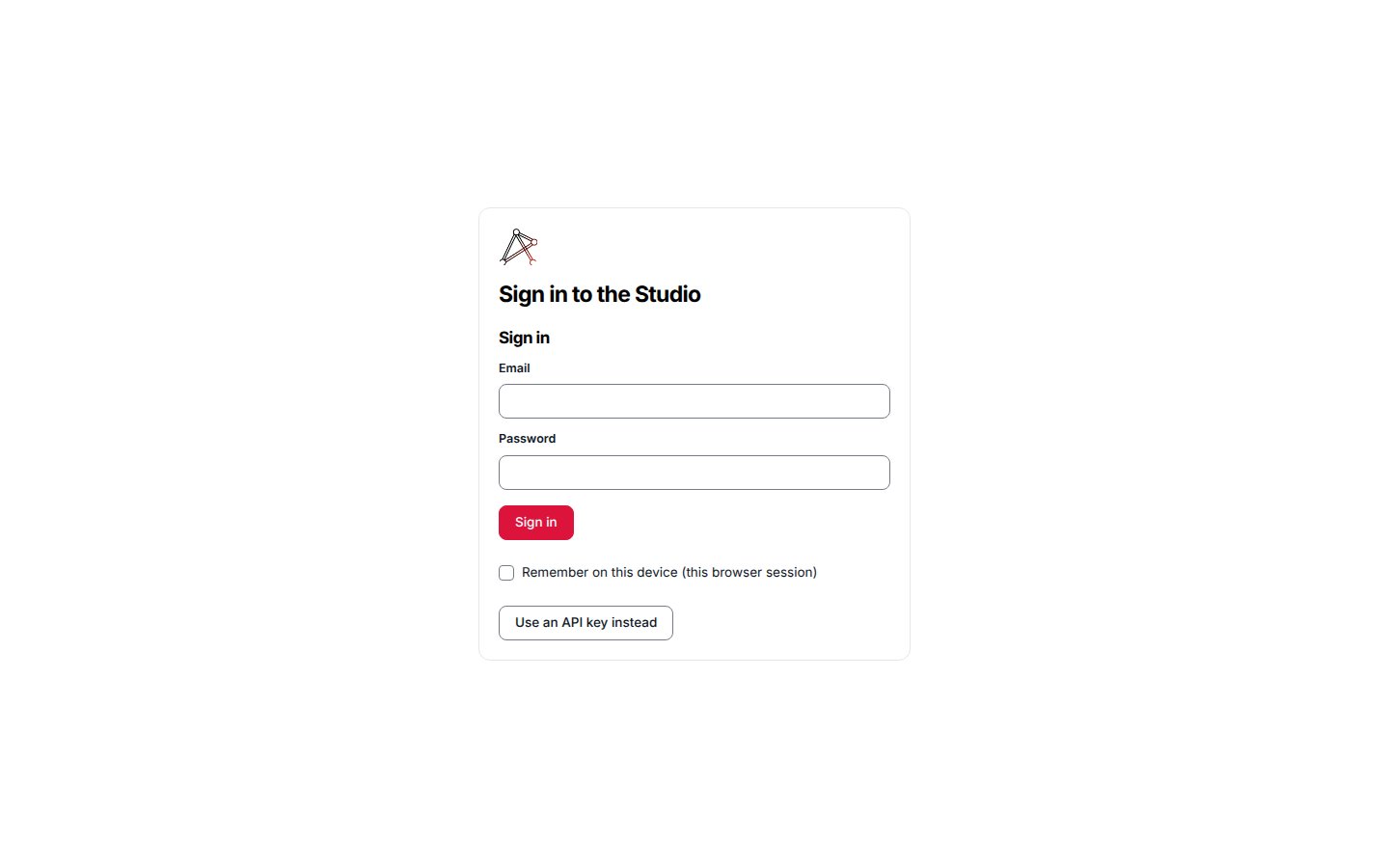
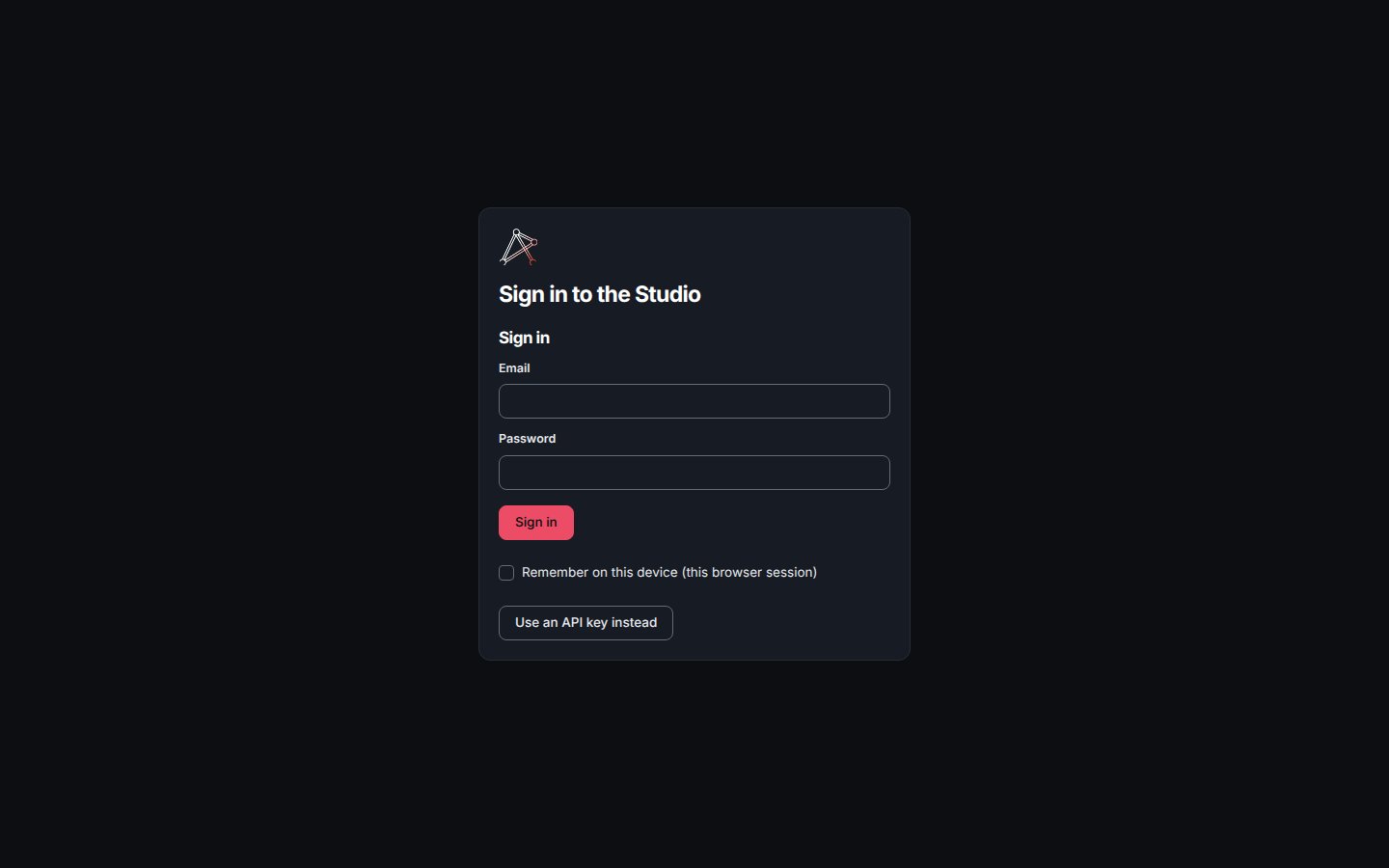
The Studio sign-in screen at /login.
Sign-in methods
The screen reads the server’s public login-methods listing and draws one control per declared method:- A credentials form — the provider names the fields (for example email and password) and the route to post them to. Submitting mints a session and lands you on the screen you were headed for.
- A redirect button — a single button that navigates to a provider’s sign-in flow (for example an OIDC authorize route). The provider owns the round trip; the callback returns a session.
Setup
On a fresh deployment no principal exists yet, so the login listing reportsneeds_setup and the screen shows a single Set up this deployment entry
instead of a sign-in form. Setup runs in one door and closes for good the moment
the owner exists.
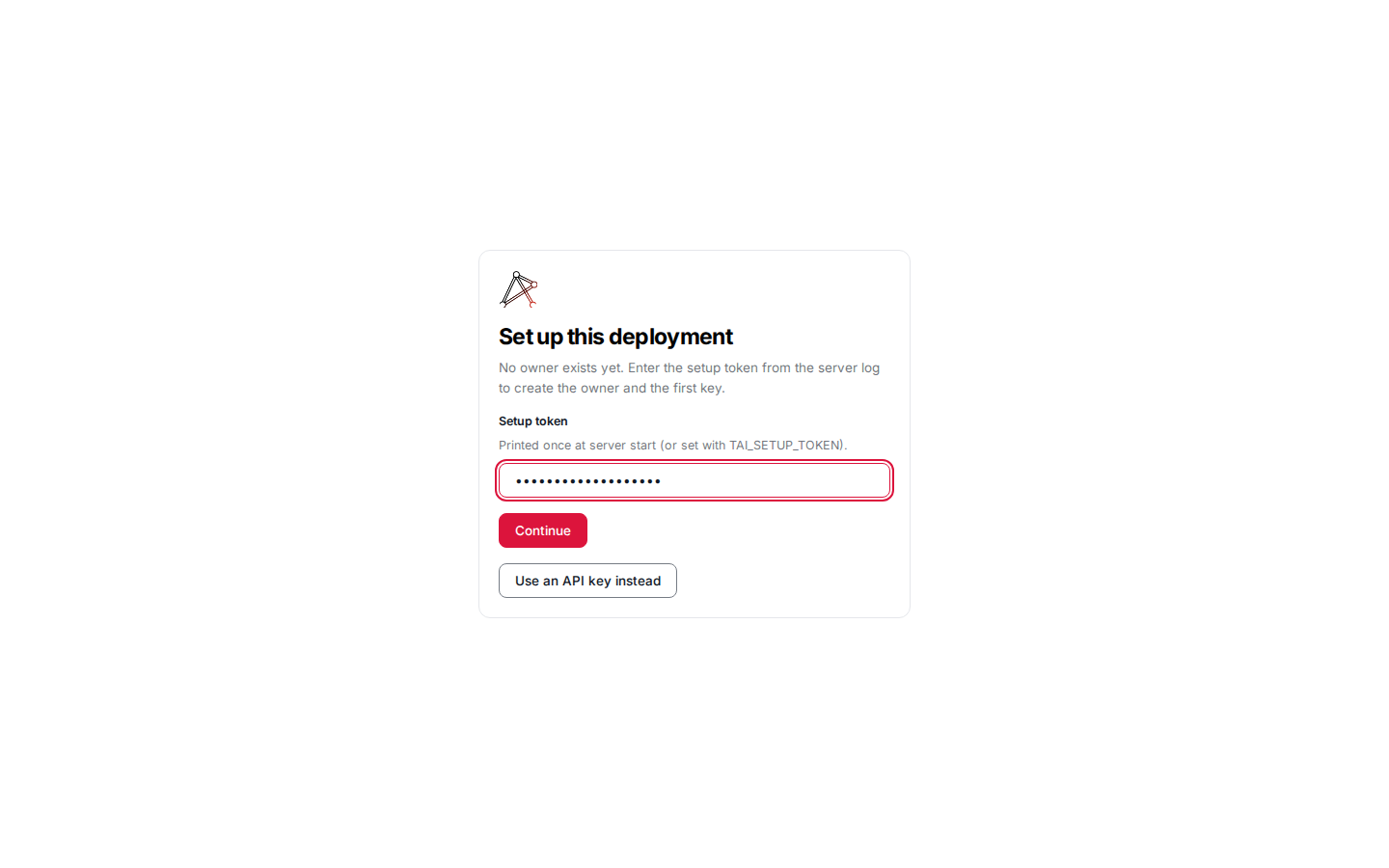
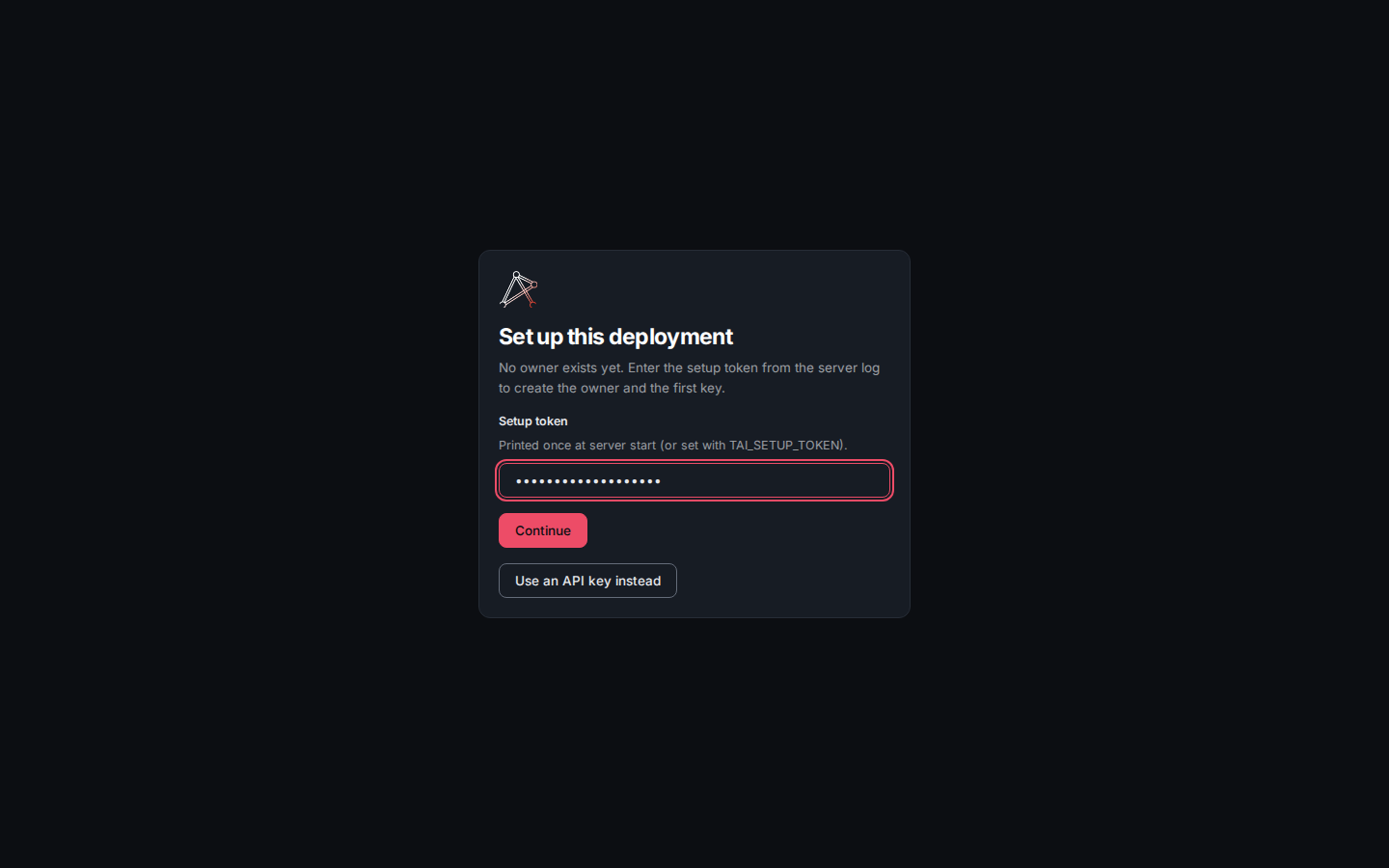
The setup entry at /login on a fresh deployment: enter the setup token from the server log.
TAI_SETUP_TOKEN. A deployment whose humans
sign in through OIDC still needs this token, and the server prints none under several
conditions; initializing a deployment whose logins are OIDC
covers why and when. The token unlocks the
owner form in the browser; it reaches the server only with the setup request
itself. A valid token reveals the owner fields. On an accounts-enabled deployment
the form collects a Display name, an Email, and an Owner login choice —
Set a password now or Send me an invite link — with a Password field when
you set one now. On a keys-only deployment the form collects the display name
alone, and the minted key is how the owner signs in:
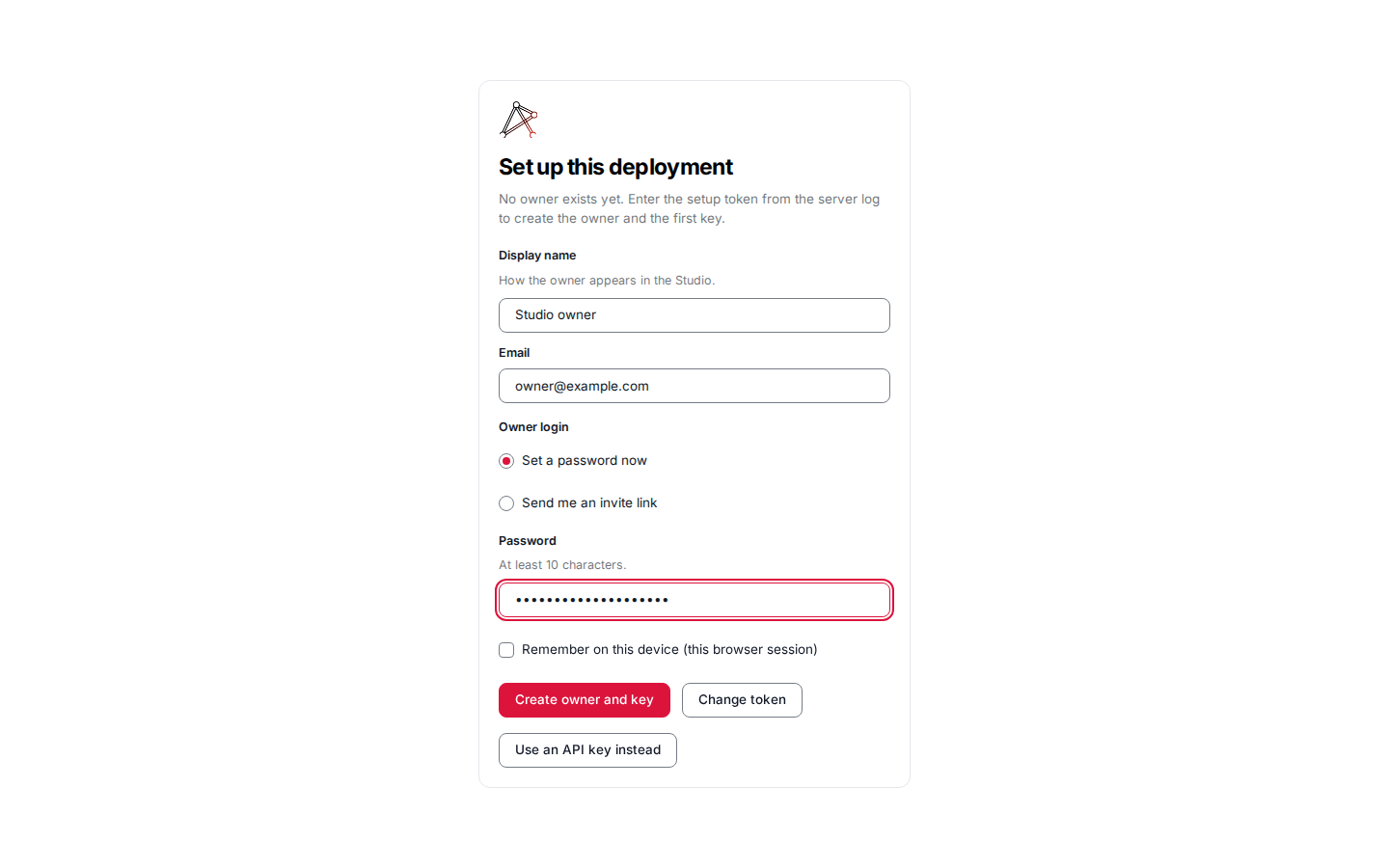
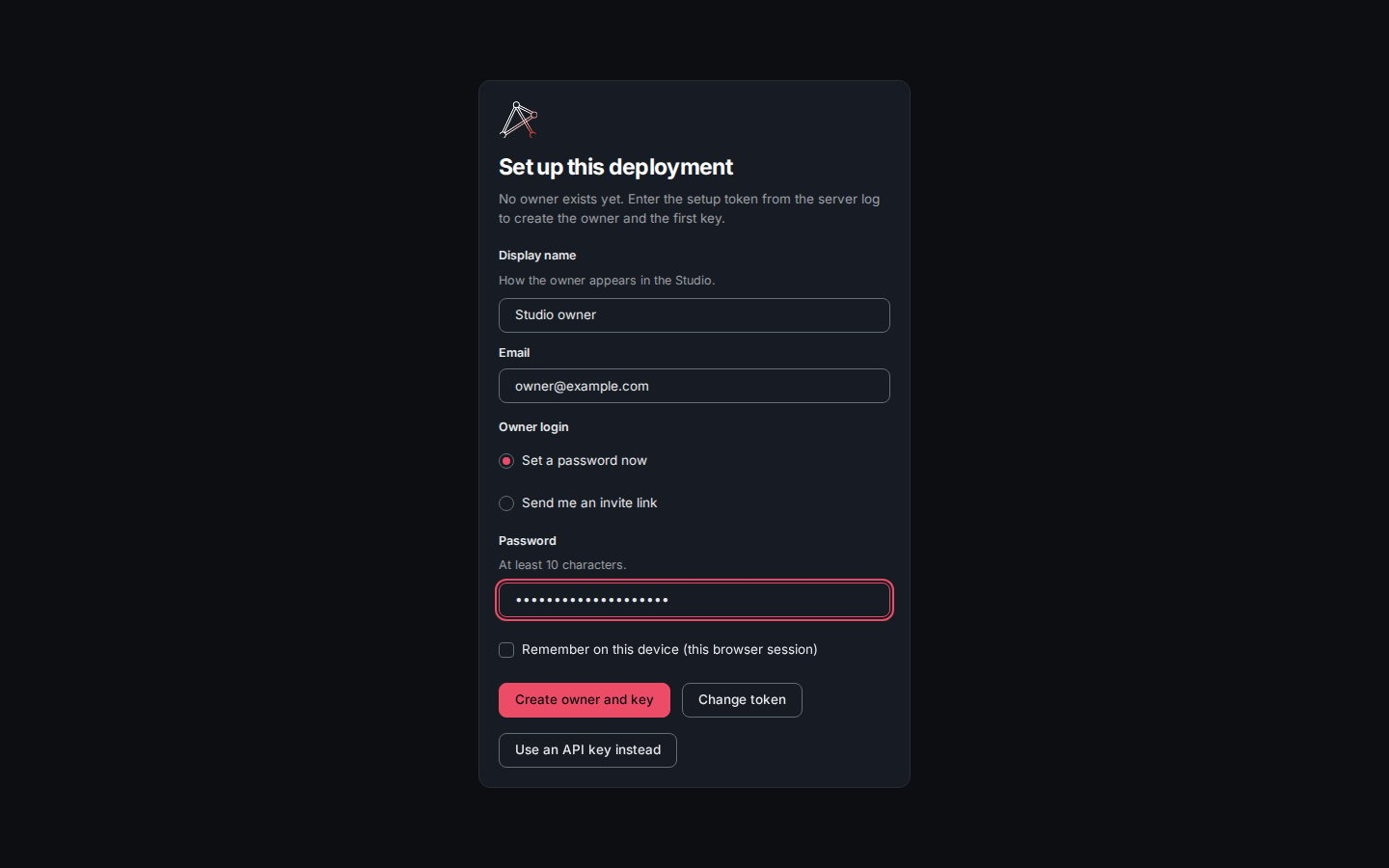
After a valid token: the owner form. On an accounts-enabled deployment it collects a display name, an email, the Owner login choice, and a password.
POST /api/setup, which creates the owner and mints the
owner’s first key. The key is shown once — copy it then, it cannot be
retrieved again. When you set a password, the screen confirms it for the owner’s
email; Continue to the Studio signs you in as the owner:
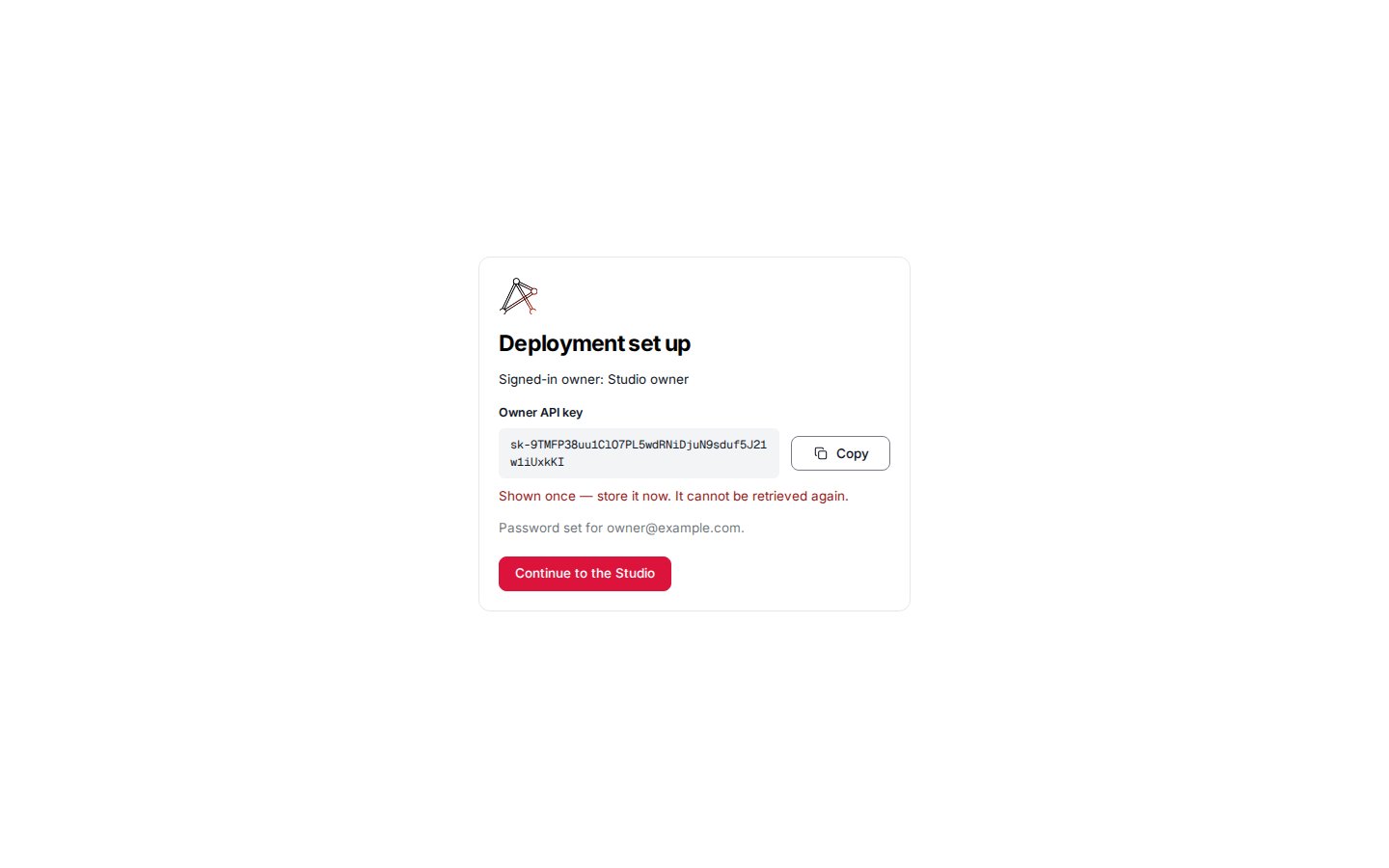
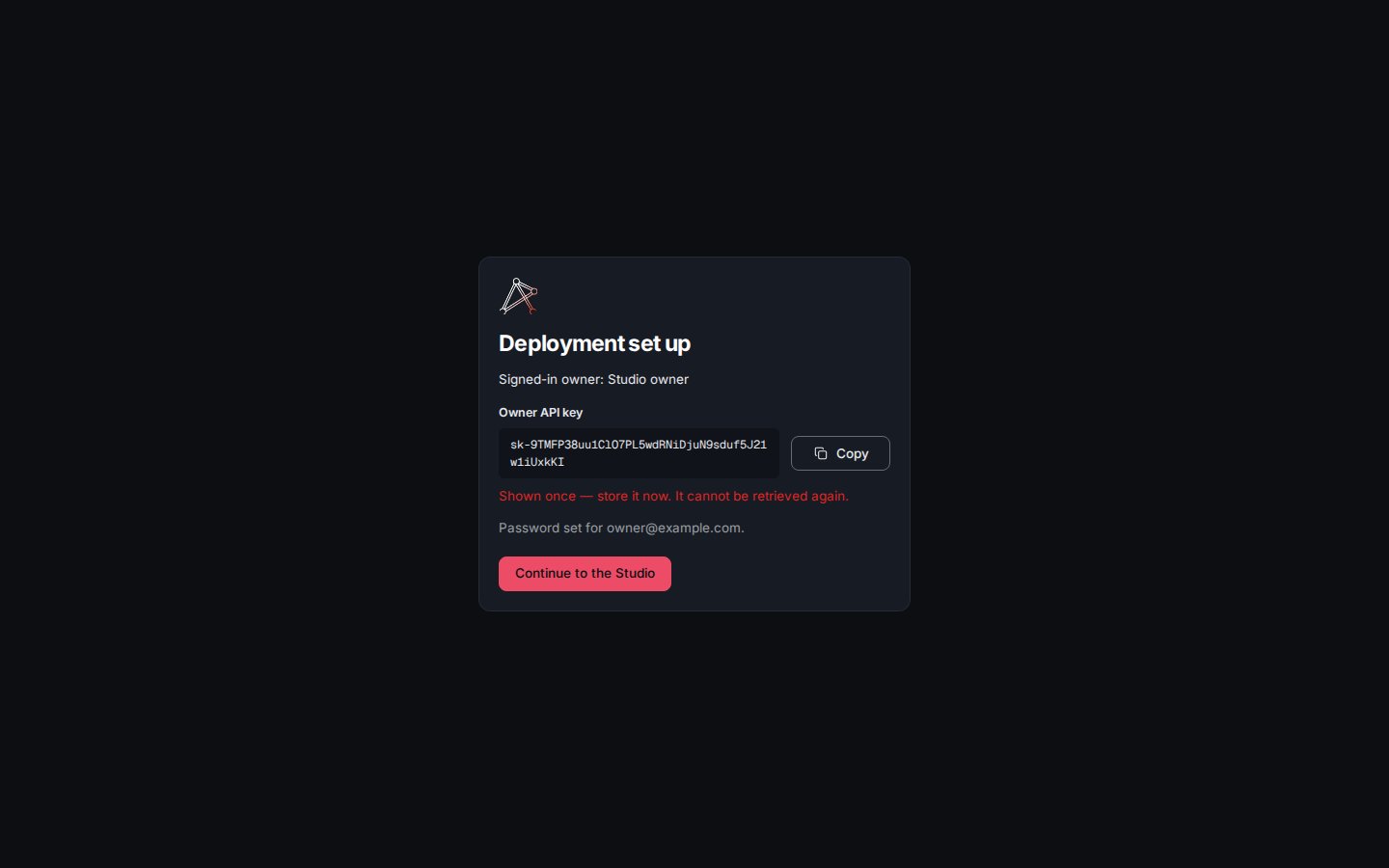
Setup complete: the owner's API key shown once, a note that the password is set for the owner's email, then a step into the Studio as the owner.
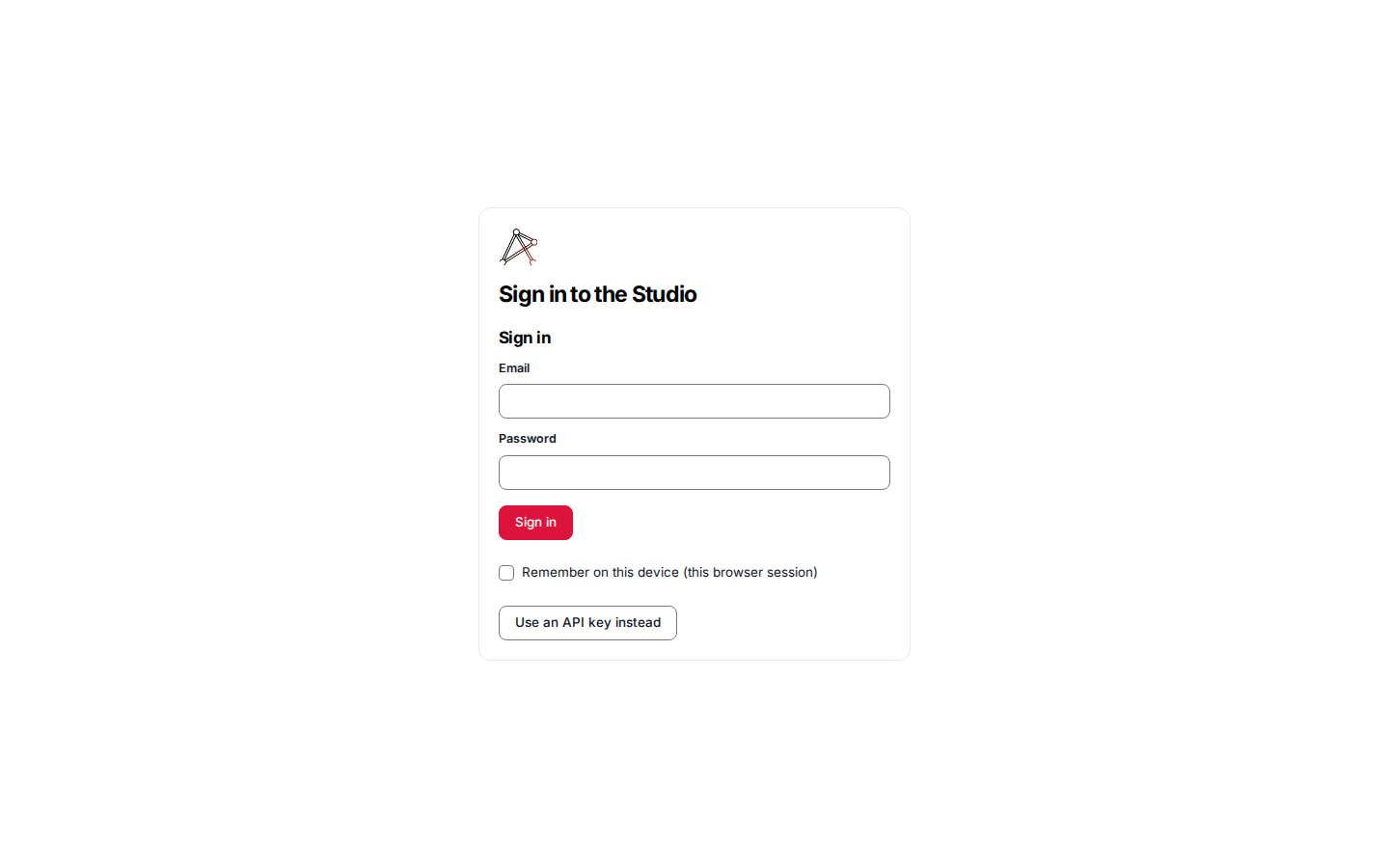
After setup: /login shows the password form, with the API-key field collapsed behind Use an API key instead, and no setup entry.
Invites
An admin grows the user set from the Members page. An invited person opens their invite link, which carries an invite token; the login screen recognises the token and shows a set-your-password form that activates the account. Invites are single-use and time-bounded — an expired or already-used invite is refused.Claim links
A claim link reaches an owned key to a new device without the raw secret ever travelling in a request URL — the<origin>/login#claim=<token> fragment is
never logged. When the sign-in screen loads with a #claim= fragment it exchanges
the token once at the always-public POST /api/login/claim and signs the Studio in
with the returned key — the same held-in-the-browser session the key field
produces, with no typing. A spent, unknown, or expired token fails the same
indistinguishable way and the screen falls back to the ordinary sign-in controls;
mint a fresh key and link when one fails.
Owned keys covers the one-time, TTL-bounded
exchange in full. Claim links are created in the API-keys
create dialog (or via tai keys claim-link).
API-key fallback
The API-key field is always available, behind an “Use an API key instead” toggle when login methods are present. Pasting a deployment key signs the Studio in exactly as it always has — the key is held in the browser and sent on every request. This path is permanent: it is how an operator reaches a server that has no accounts provider, and how the headless, machine-key path stays usable alongside human login. See API keys for provisioning keys.Deploy notes
To turn on human login, a deployment enables an accounts provider and lists it in the auth-provider chain:- Add the accounts provider’s module to the server’s lifecycle and router modules so its login routes and session validation are mounted.
- Include the provider in
ACCESS_CONTROL_AUTH_PROVIDERS— the ordered auth-provider list the gate resolves credentials against — so its sessions are validated. - Run the accounts plugin’s migrations. A Postgres-backed provider ships its own
migration chain, applied by the
framework runner with
tai db migratealongside the core; the boot gate refuses to start the server until it is applied. See Accounts.
The concrete settings, schema, and migration steps for a specific accounts provider
live in that plugin’s own repository README — this page covers the
skeleton-side wiring that every accounts provider plugs into.
See also
- Accounts — the session, ownership, and role model behind sign-in.
- Access control — multi-provider resolution and the public login namespace.
- API keys — the key fallback and owned credentials.