

/api/* HTTP surface —
the same surface the tai CLI calls — so anything you
do in the Studio you can also do from a terminal, and the reverse.
You browse and run tools, apply
extensions, author
agents, render templates,
wire event hooks, watch live
operations, install plugins from the
marketplace, and provision API keys — all against one
self-hosted server.
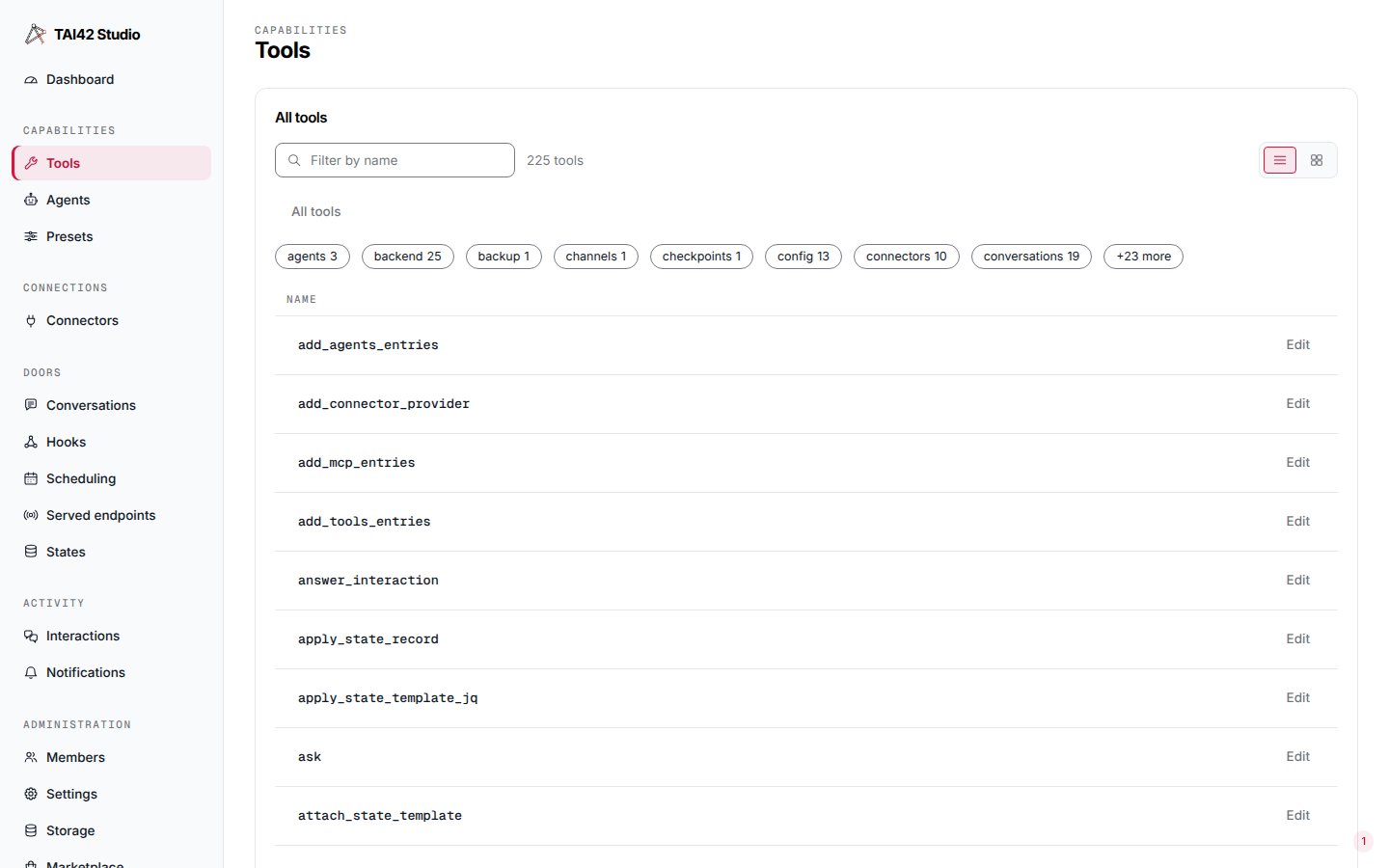
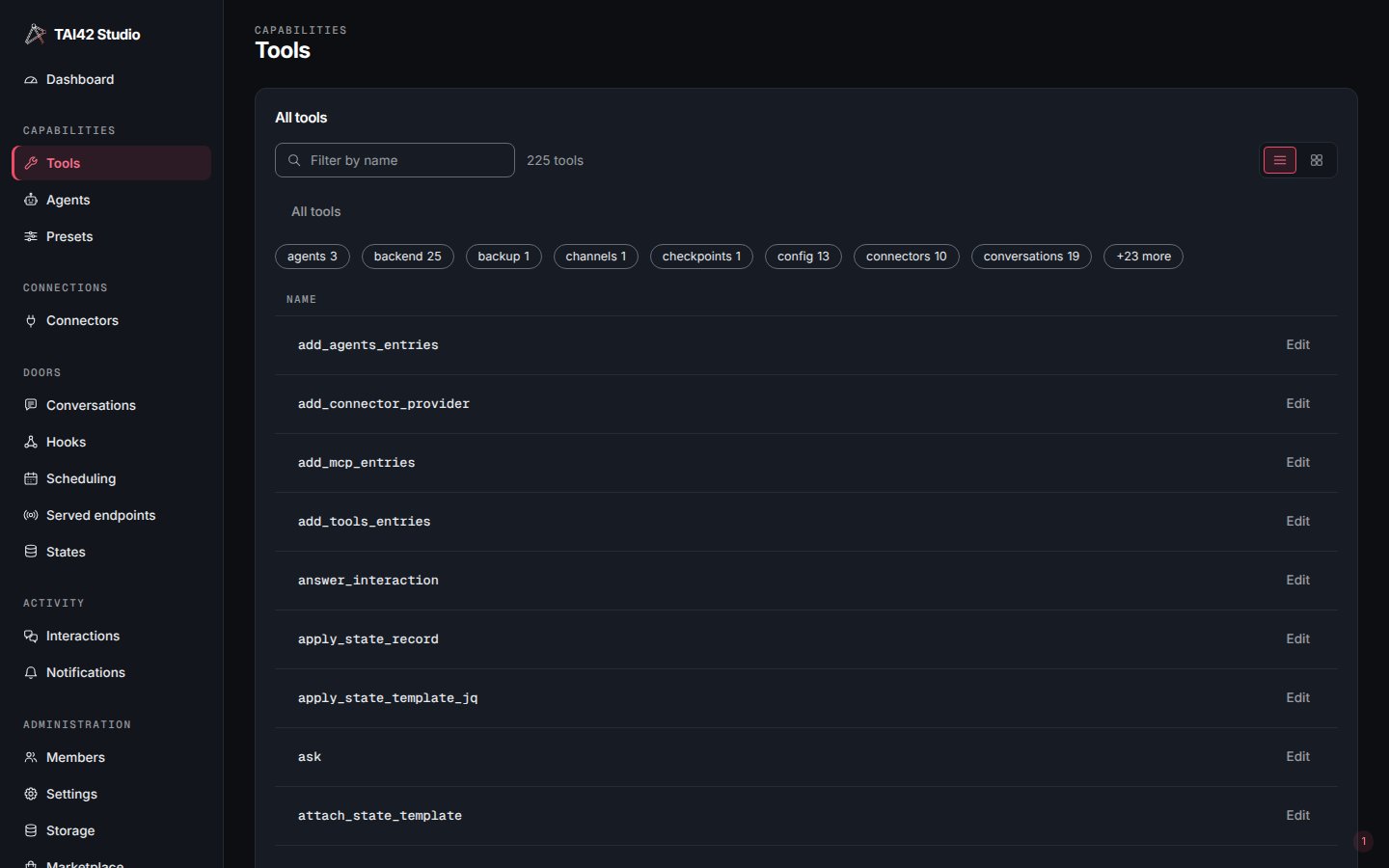
The Studio, signed in on the Tools screen.
The screens
A tour of every surface in the sidebar.
Running tools
Synchronous runs versus detached background runs.
Admin console & live ops
Health, settings, and live reloads.
API keys
Sign in and provision keys for a deployment.
Deploying the Studio
Serve the built app from the skeleton.
Authoring a plugin
Extend the shell with pages, panels, tabs, and nav entries.
The jq editor
jq-studio, the built-in visual jq editor — and a standalone library.
Studio SDK reference
The plugin contract, hooks, and shared components.
The Studio has no user database of its own. It holds a deployment API key in the
browser and sends it on every request — treat that key like a password. See
API keys for how sign-in works.